What to fix on the profile
Every part of a profile is covered with a clear status and what to change.
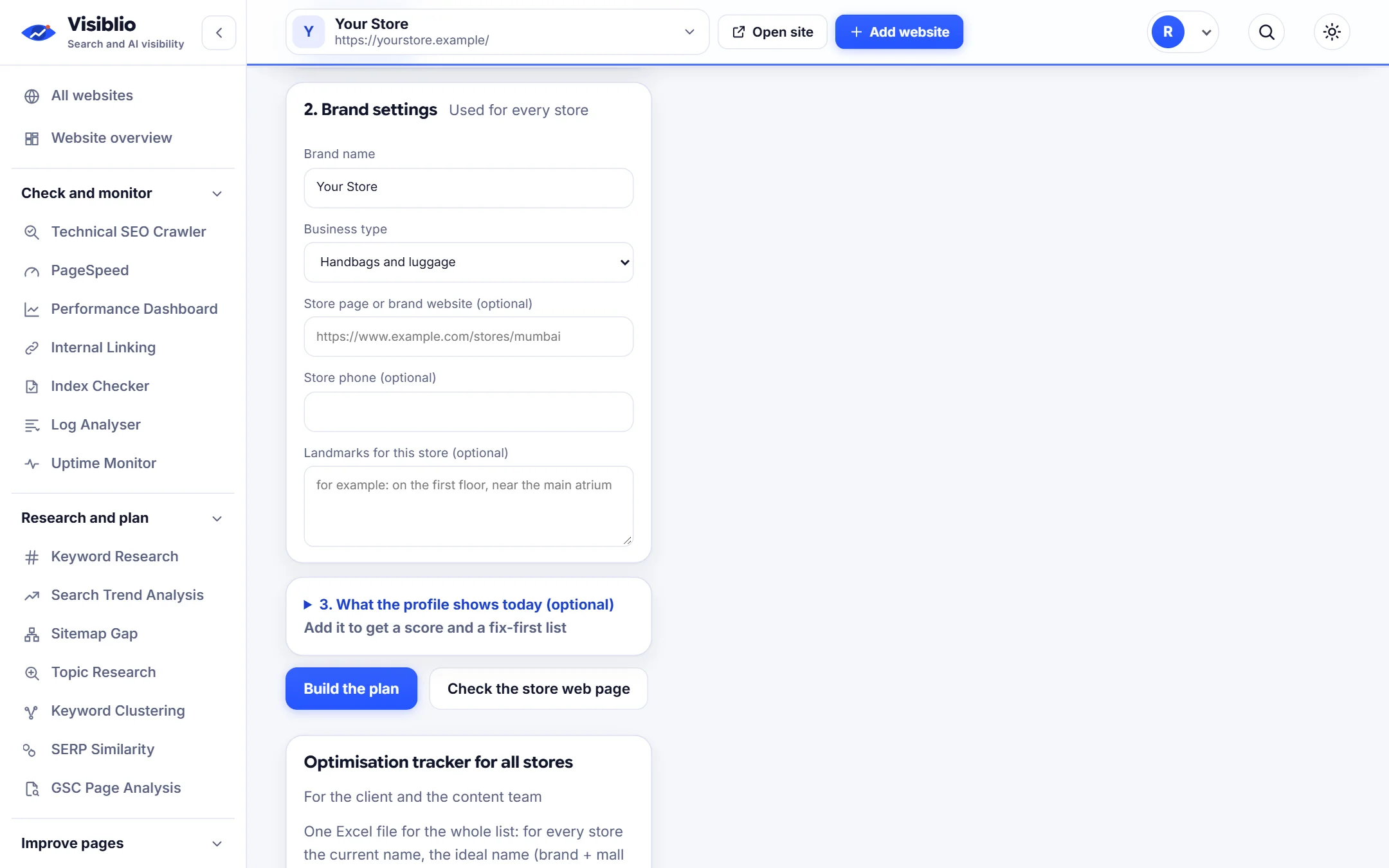
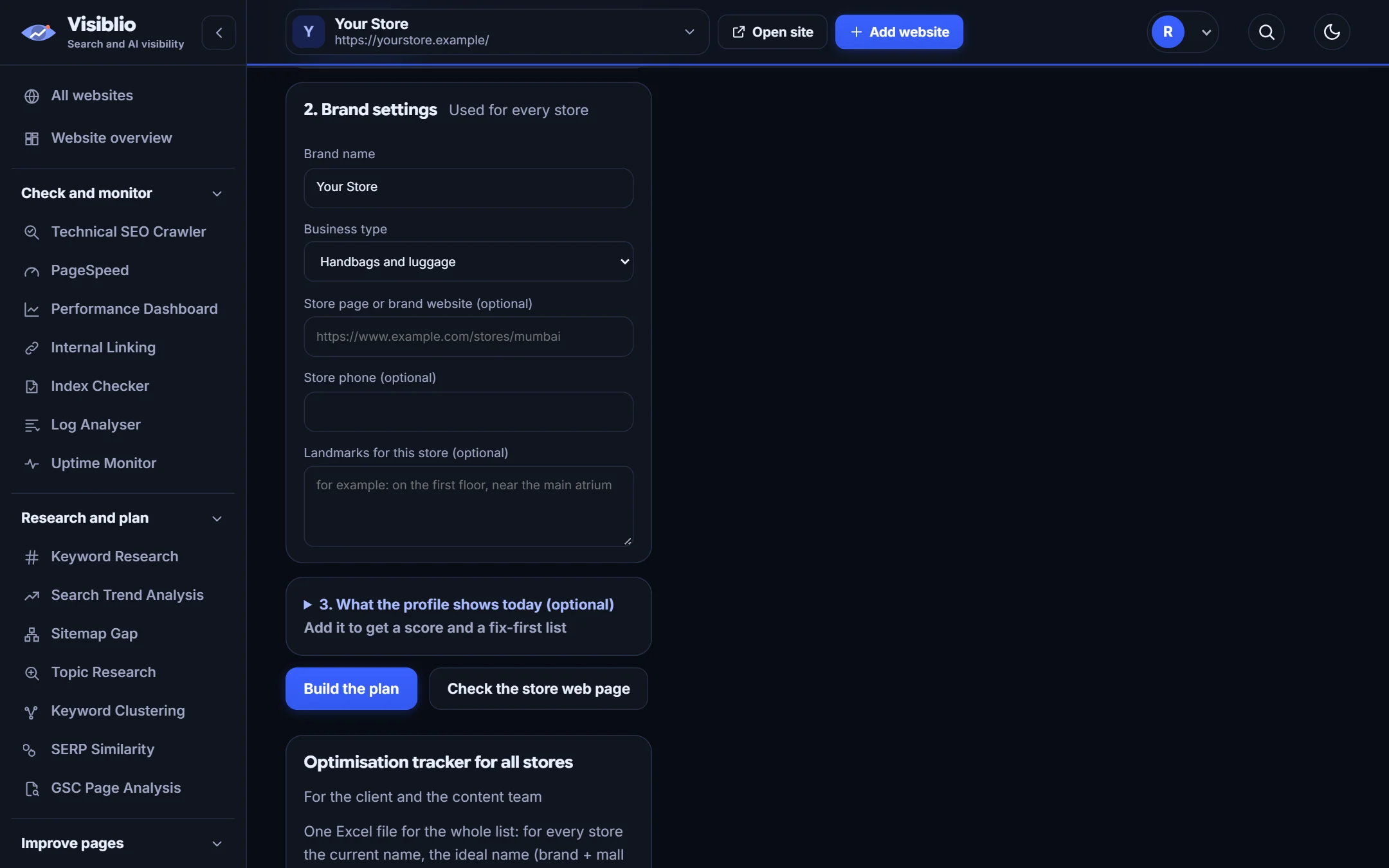
- Name, categories and description
- Hours and contact details
- Photos and products

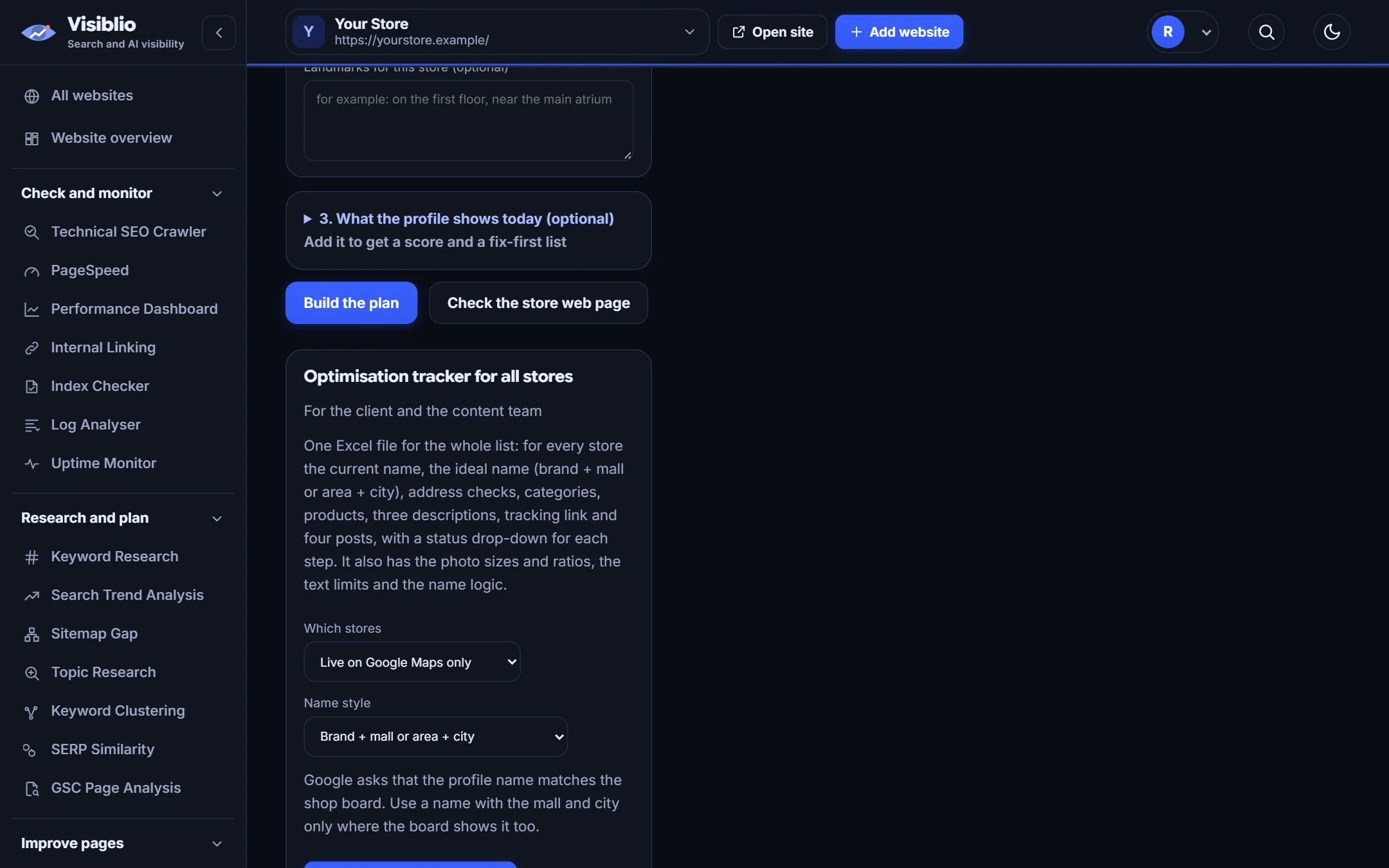
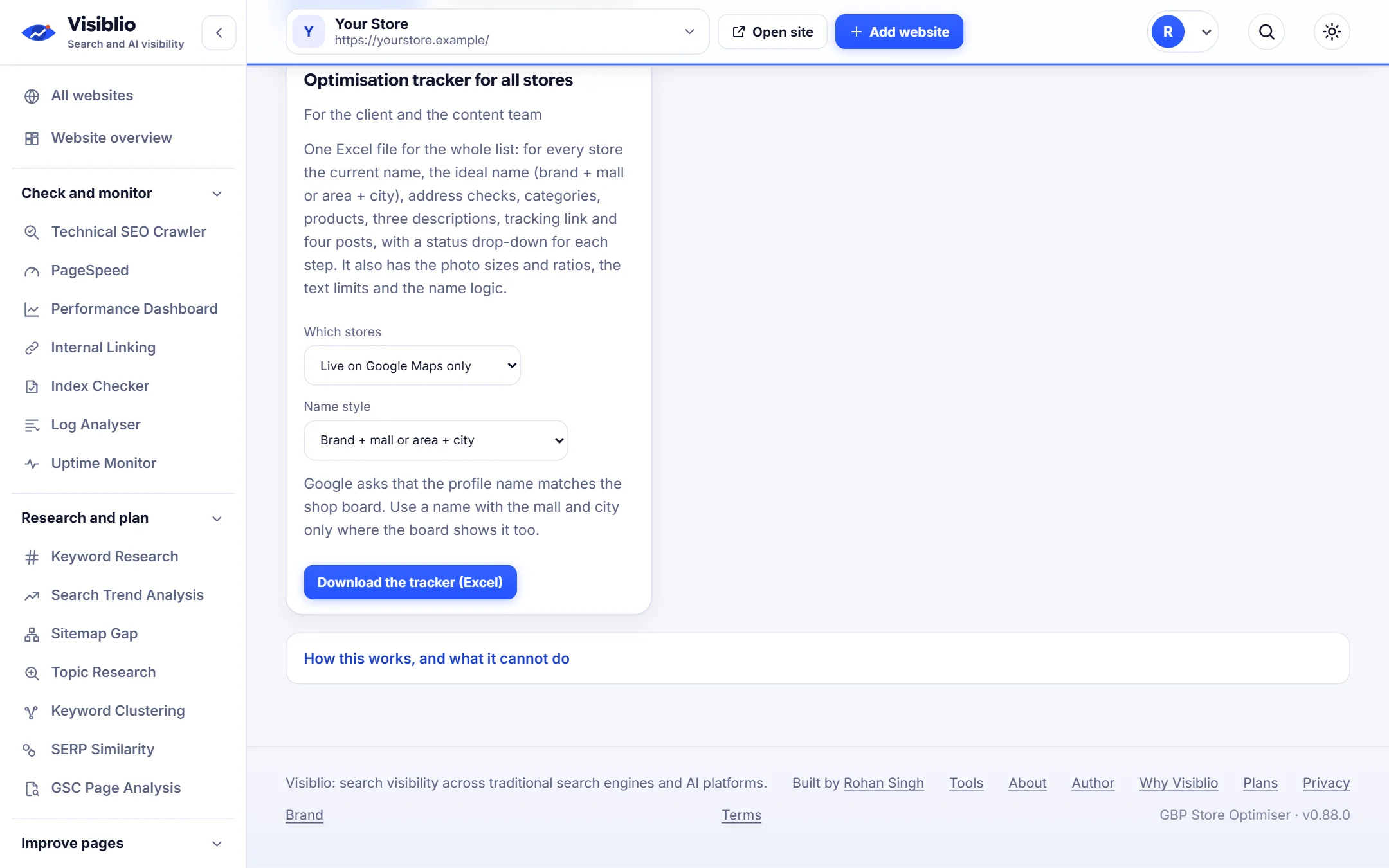
Pick a store from your list or paste its Google Maps link and get a clear checklist of what to improve on its profile, with wording you can use.

Profiles that are complete and accurate earn more calls, visits and direction requests. Visiblio GBP Store Optimiser looks at one store's details and gives a practical plan: business name, categories, description, hours, contact details, photos, products and the questions customers ask.
The wording follows what is on the shop board and the details you hold about the store, so nothing is made up.
Specific suggestions for each location.
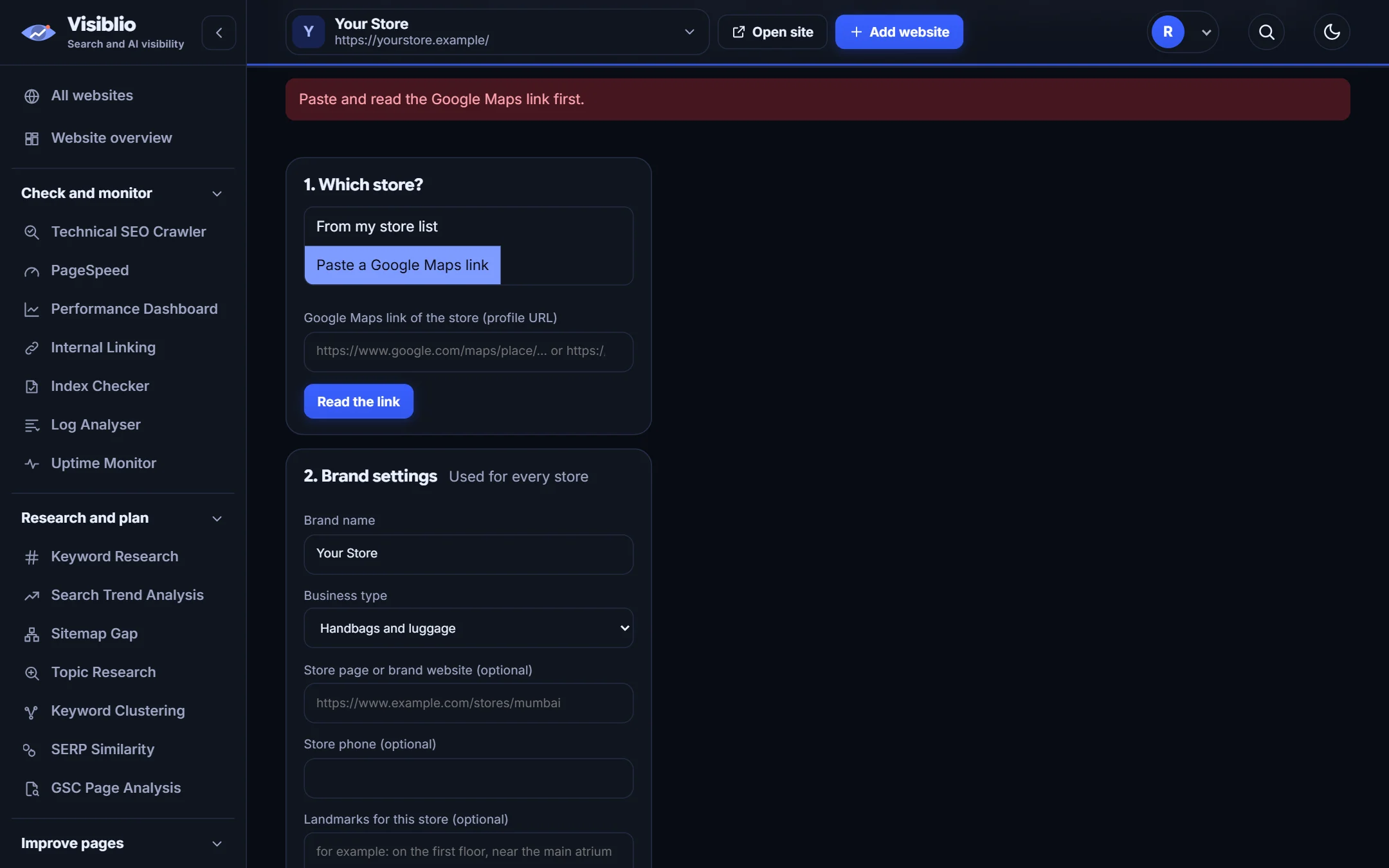
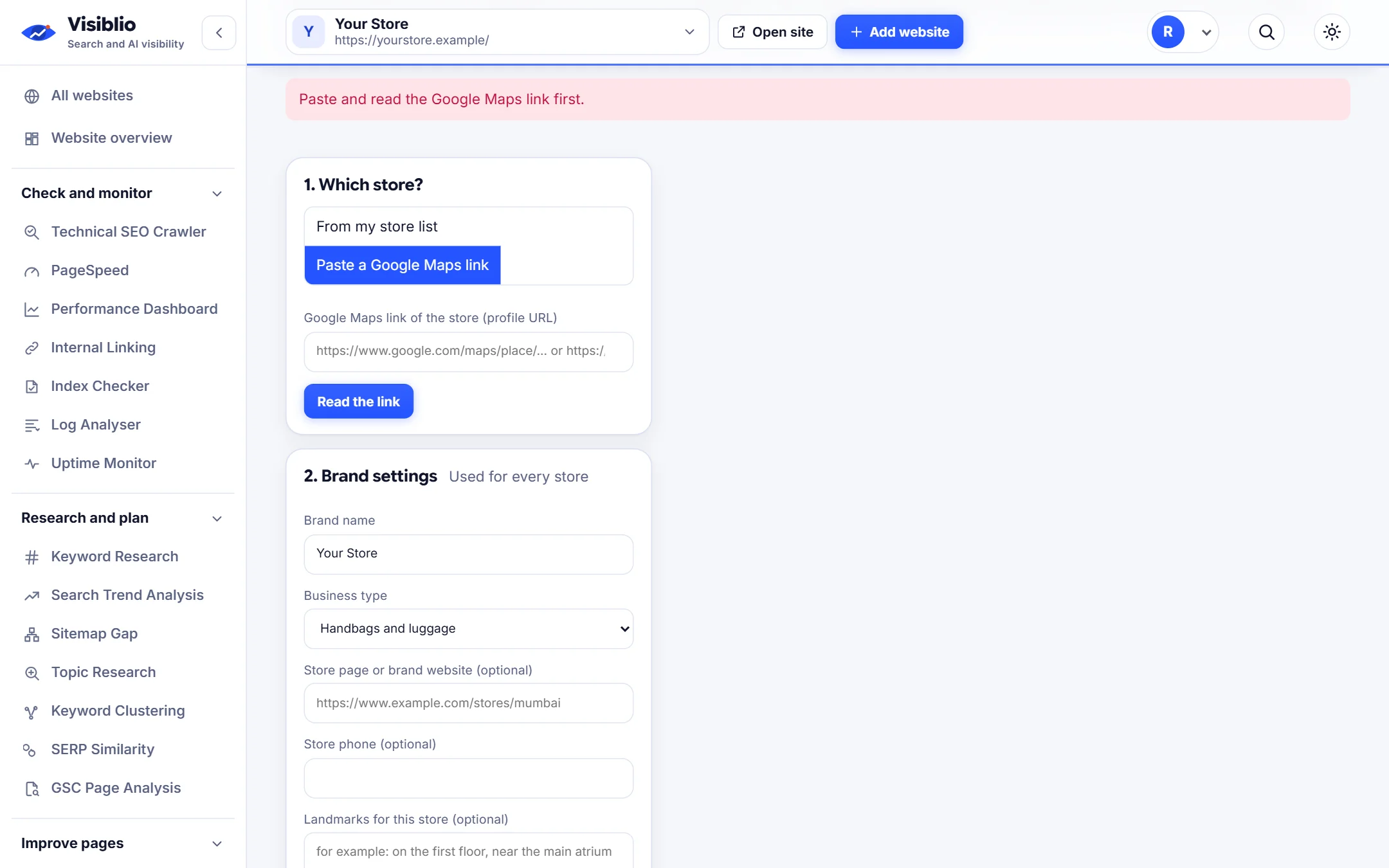
Pick a store or paste a Google Maps profile link.
Description and question templates based on the store's own details.
See what is done and what is left to do.
Hours, phone and policies come from the store, not from guesses.
Every part of a profile is covered with a clear status and what to change.

Rule-based templates produce a description and answers that match the store's real details.

Work through your list store by store with the same quality bar.

Select one from your list or paste its Maps link.
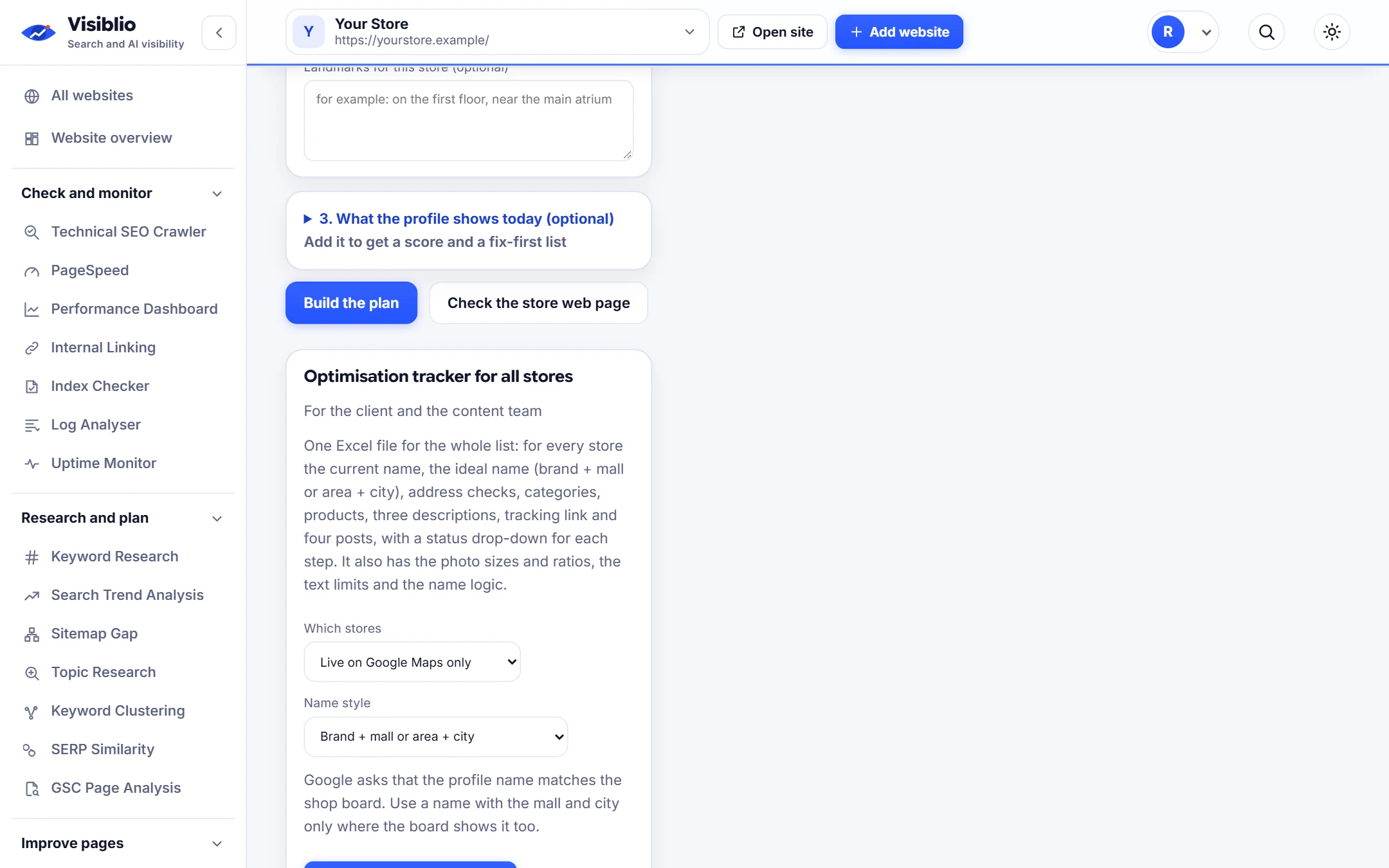
See the checklist and suggested wording.
Apply the changes in Google Business Profile.
Standardise profile quality across locations.
Give store teams a clear to-do list.
Show clients exactly what was improved.
| What you need | By hand | With Visiblio |
|---|---|---|
| Planning | Write a checklist per store | Generated per store |
| Wording | Write each description | Templates from real details |
| Consistency | Varies by person | Same standard everywhere |
| Accuracy | Risk of guesses | Uses the store's own details |
Complete every section accurately: correct name, primary and secondary categories, description, hours, contact details, photos, products or services, and answers to common questions, then keep it updated and respond to reviews.
No. It only gives a plan and wording. You apply the changes in Google Business Profile.
From the store details in your list or on the Maps profile you paste. Visiblio does not invent hours, phone numbers or policies.
Yes. Work through the stores in a shared project and export the plans.
Plans decide whether Google Business Profile tools are included. See the plans page.
Open the tool, add your website or a page address and see the result in minutes. It is free to start.