VisiblioSearch and AI visibility
Check and monitor

Technical SEO audit tool and website crawler

Audit a single page or crawl an entire website and get one clear list of what is wrong, which pages it affects and how to fix it. No spreadsheets, no guessing.

25,000pages in one crawlWeeklyautomatic monitoringAnyuser agent you choose
visiblio · technical seo crawler
Technical SEO Crawler in Visiblio: technical SEO audit tool shown with sample data
Sample data

What is Technical SEO Crawler?

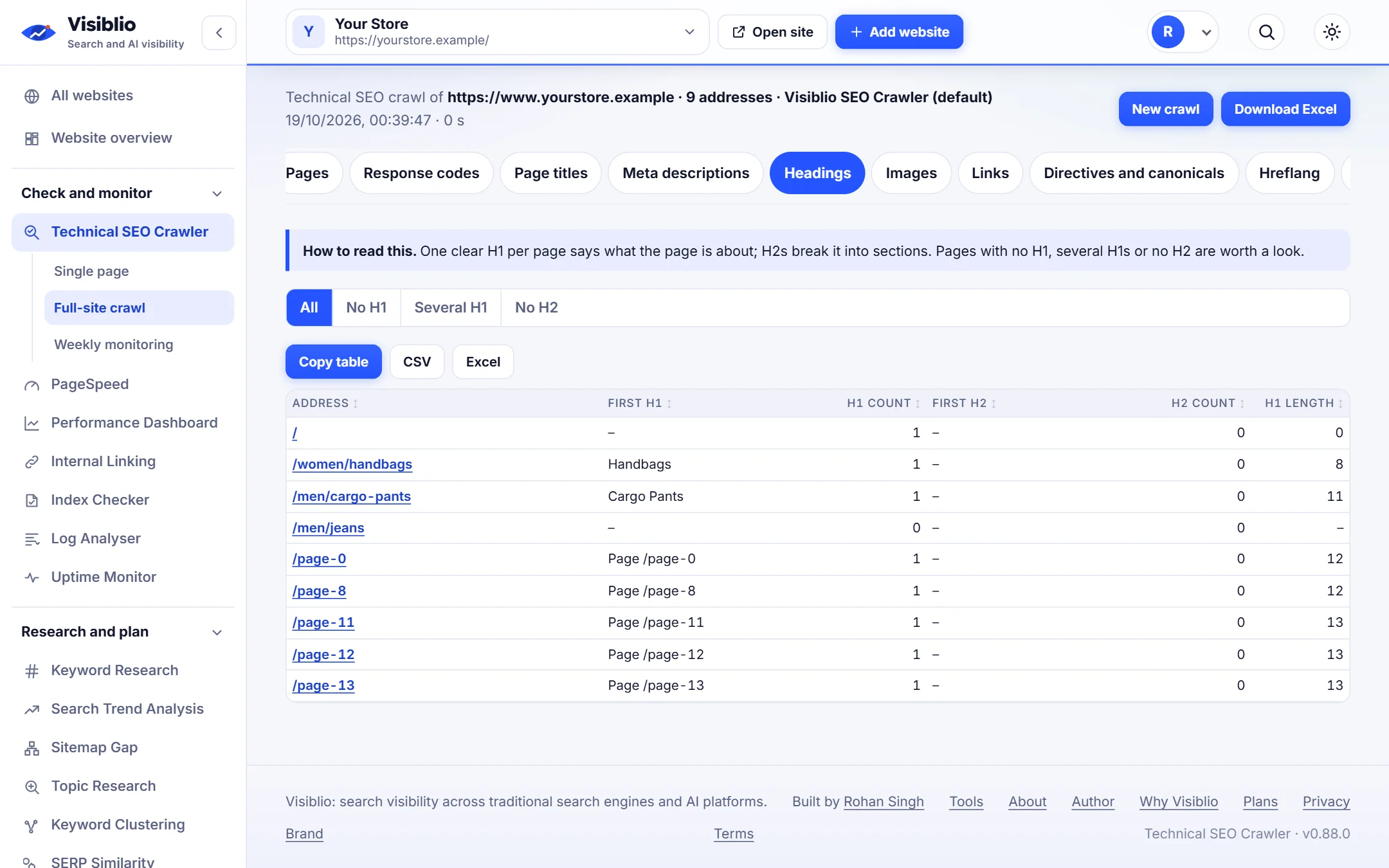
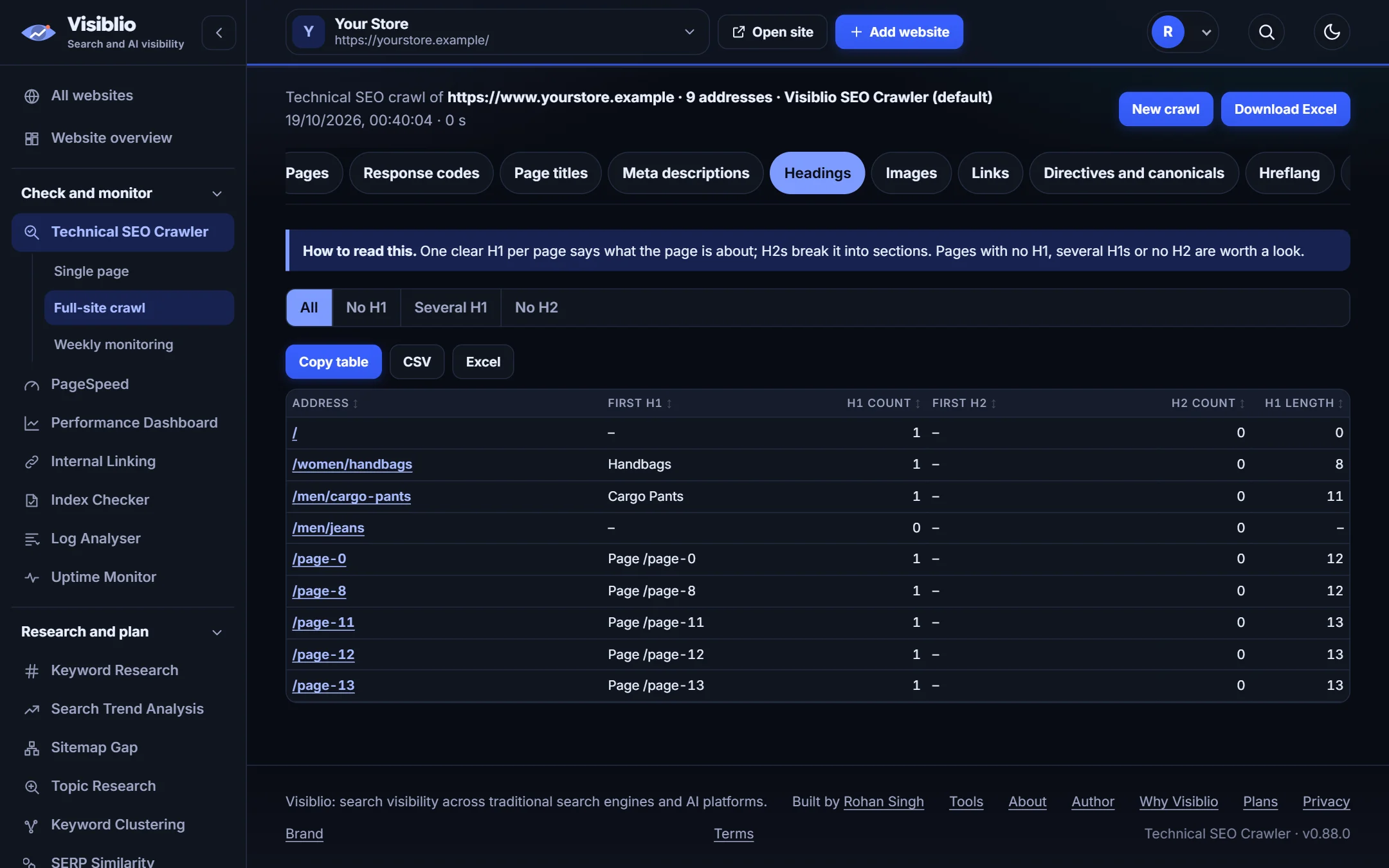
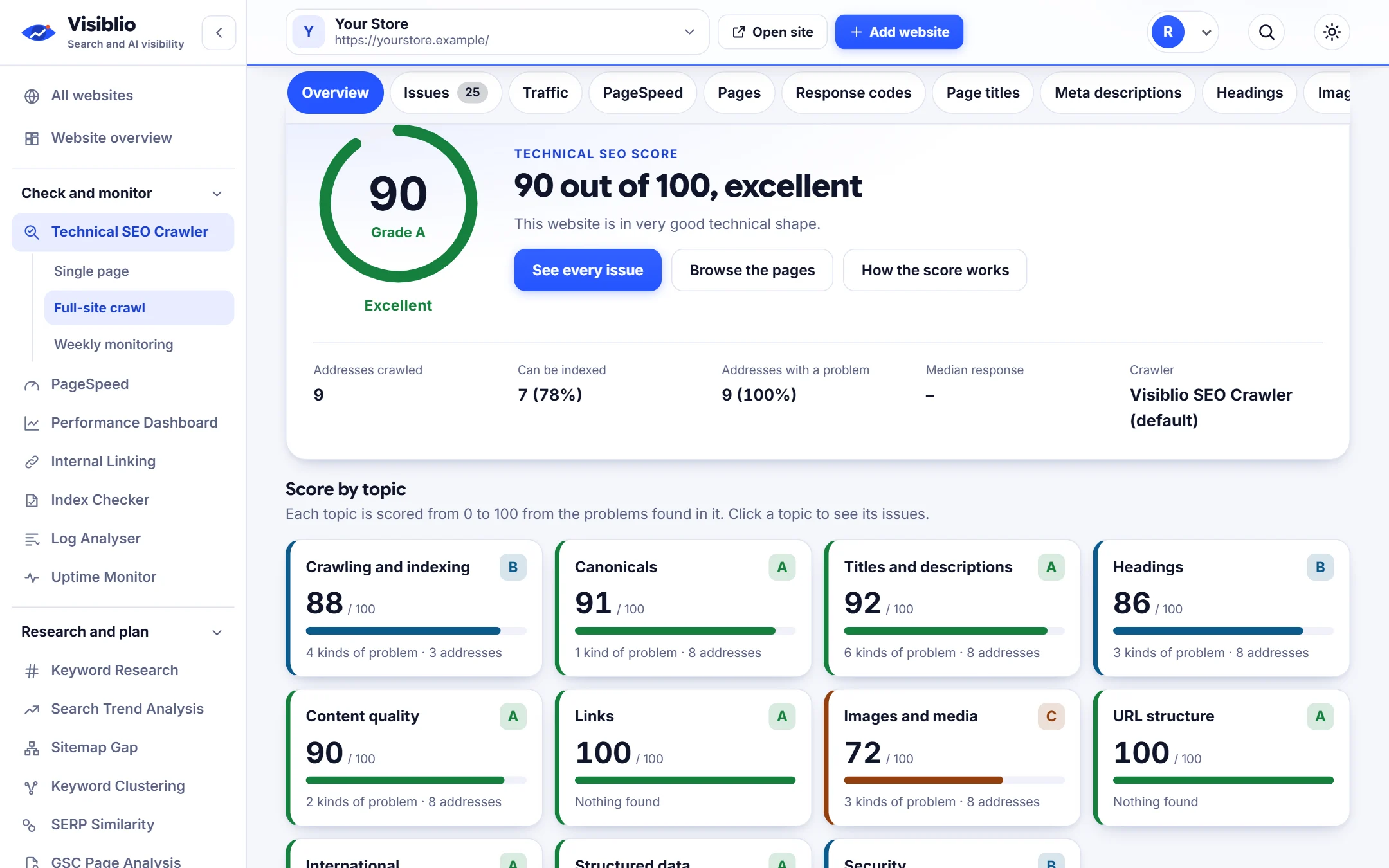
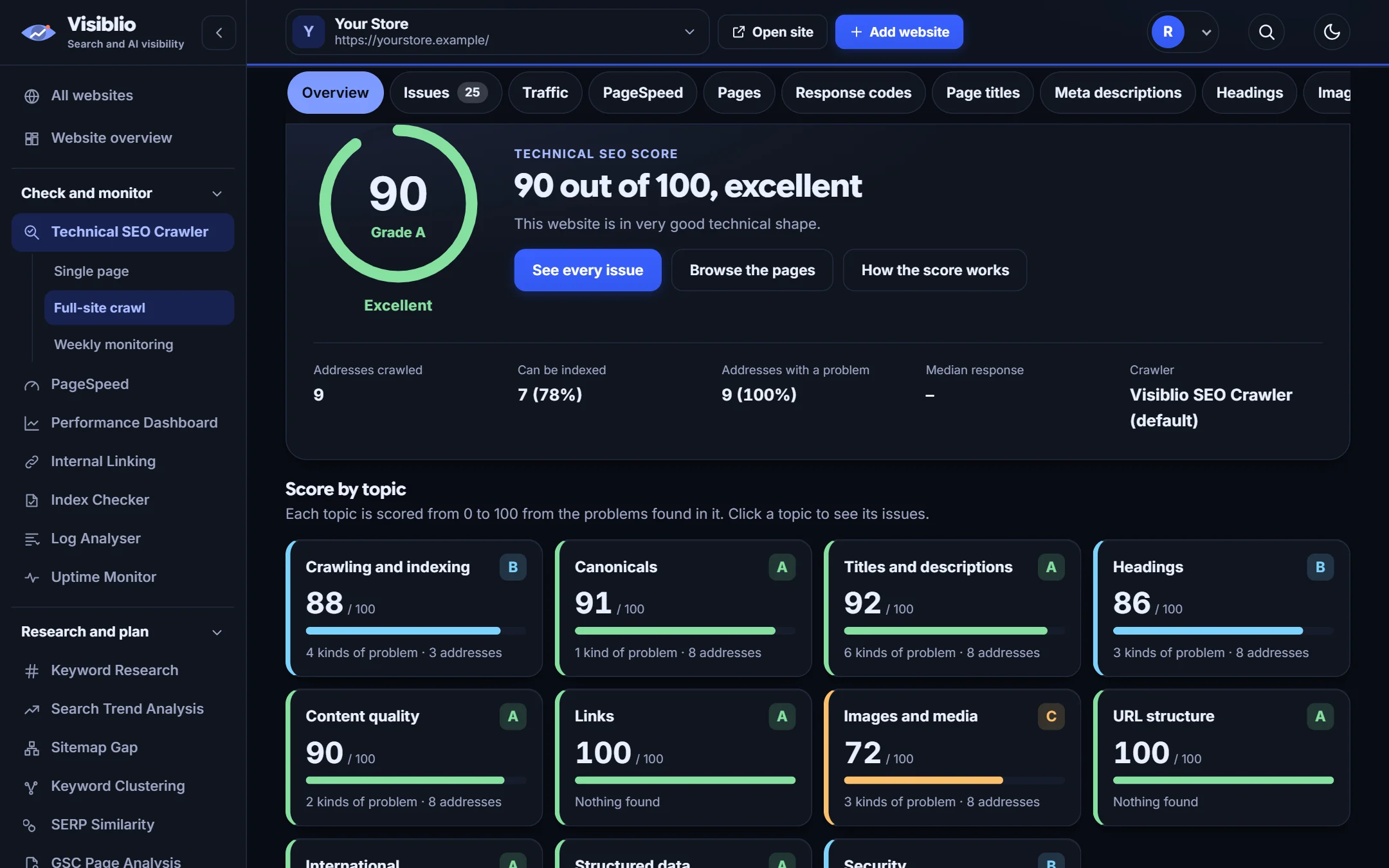
The Visiblio Technical SEO Crawler visits your pages the way a search engine does and reports problems that hold back crawling, indexing and rankings: broken links and redirects, missing or duplicate titles and descriptions, heading problems, canonical and noindex mistakes, slow pages, weak structured data and more.

Every finding says what it is, why it matters, which pages have it and what to do next, so you can hand the list straight to a developer or a writer.

Why use Technical SEO Crawler

One page or the whole site

Check a single address in seconds, or crawl a full website with the settings you choose.

Plain-language fixes

Each issue explains why it matters and how to fix it, not just a code.

Choose how it crawls

Pick the user agent, follow your robots.txt rules, include subdomains, ignore tracking parameters and limit depth.

Weekly monitoring

Save a website and get an automatic weekly check with alerts when something changes.

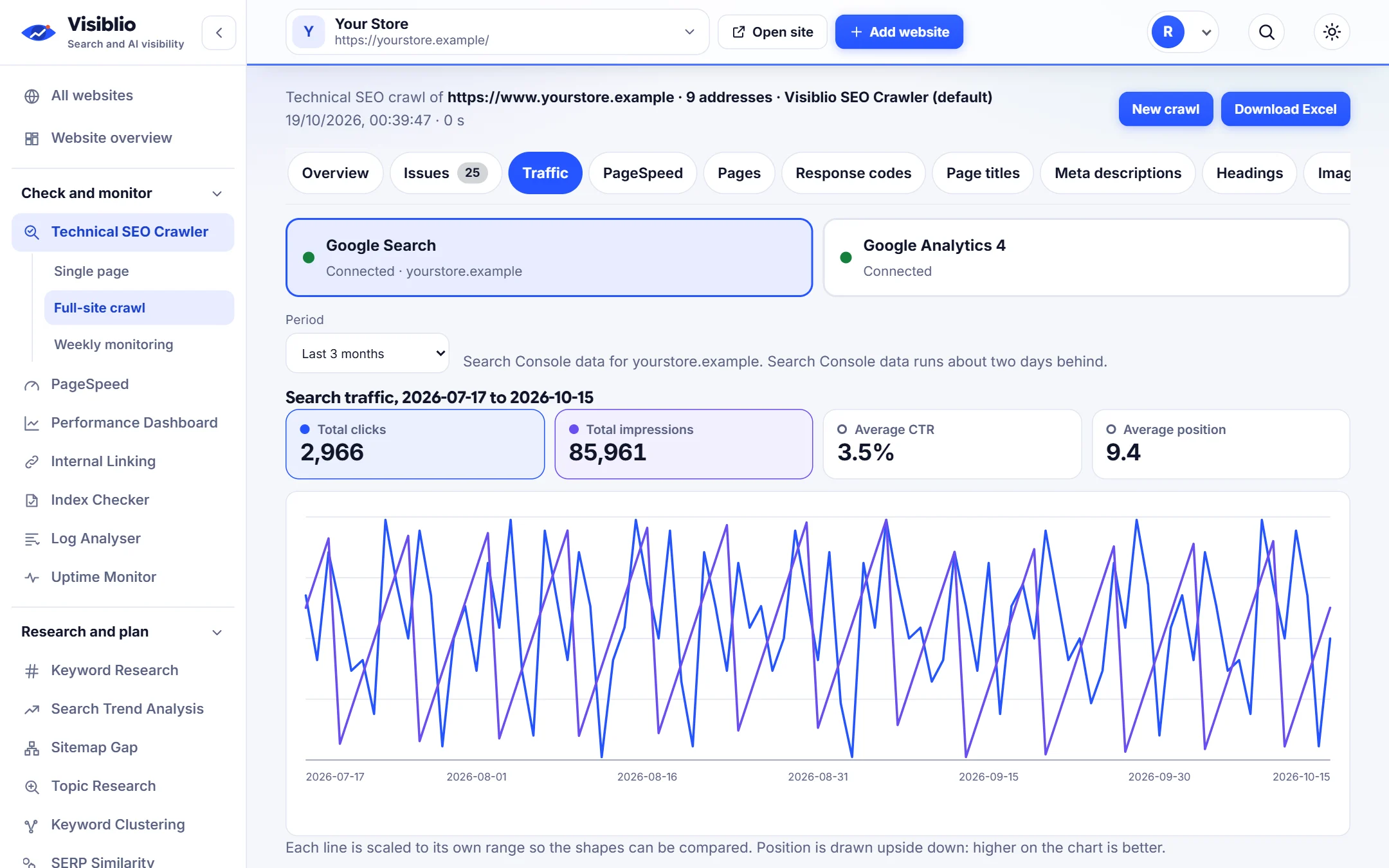
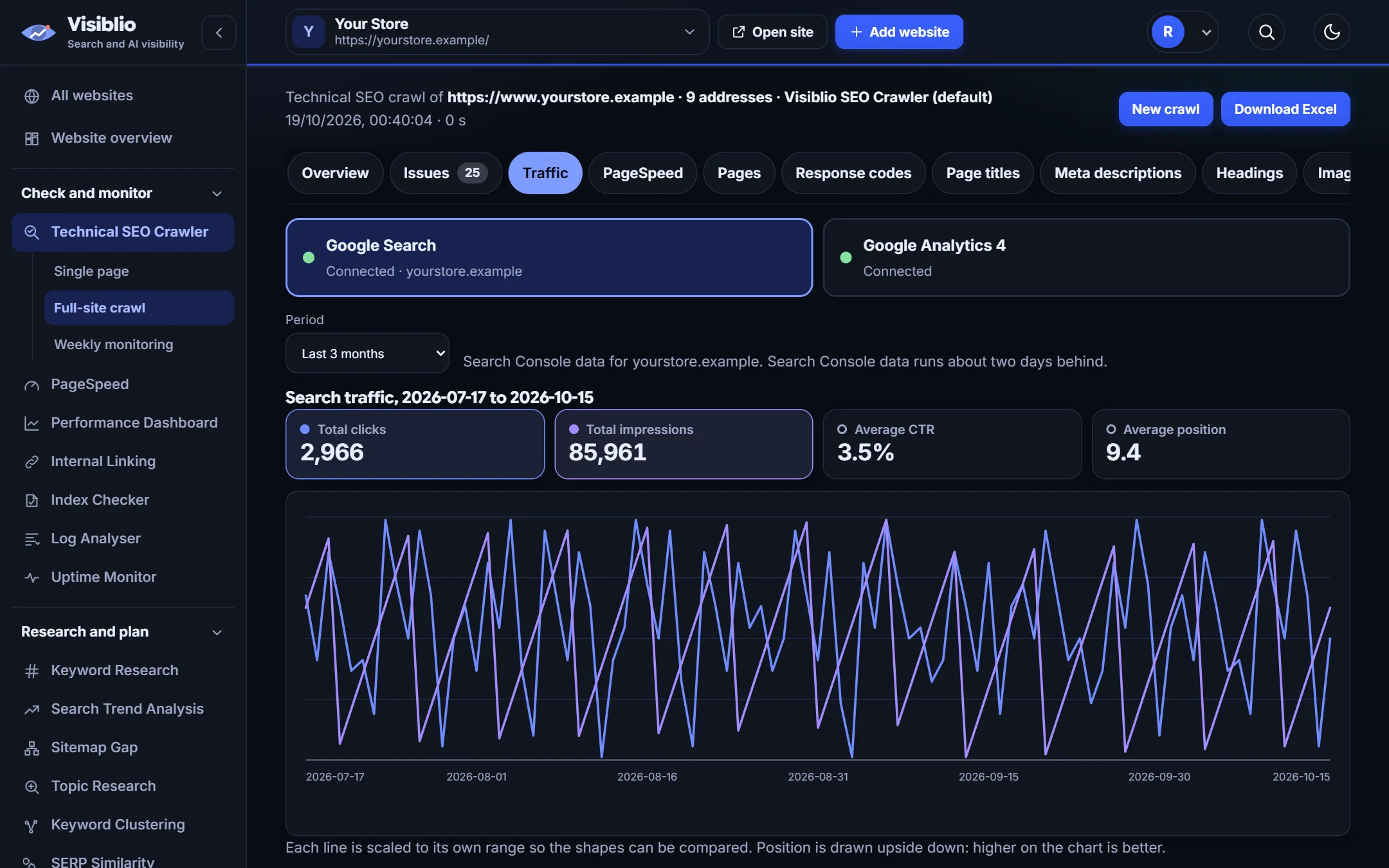
Traffic beside the issues

Connect Search Console and Analytics to see which problem pages actually get visits.

What you can do with Technical SEO Crawler

Site crawl

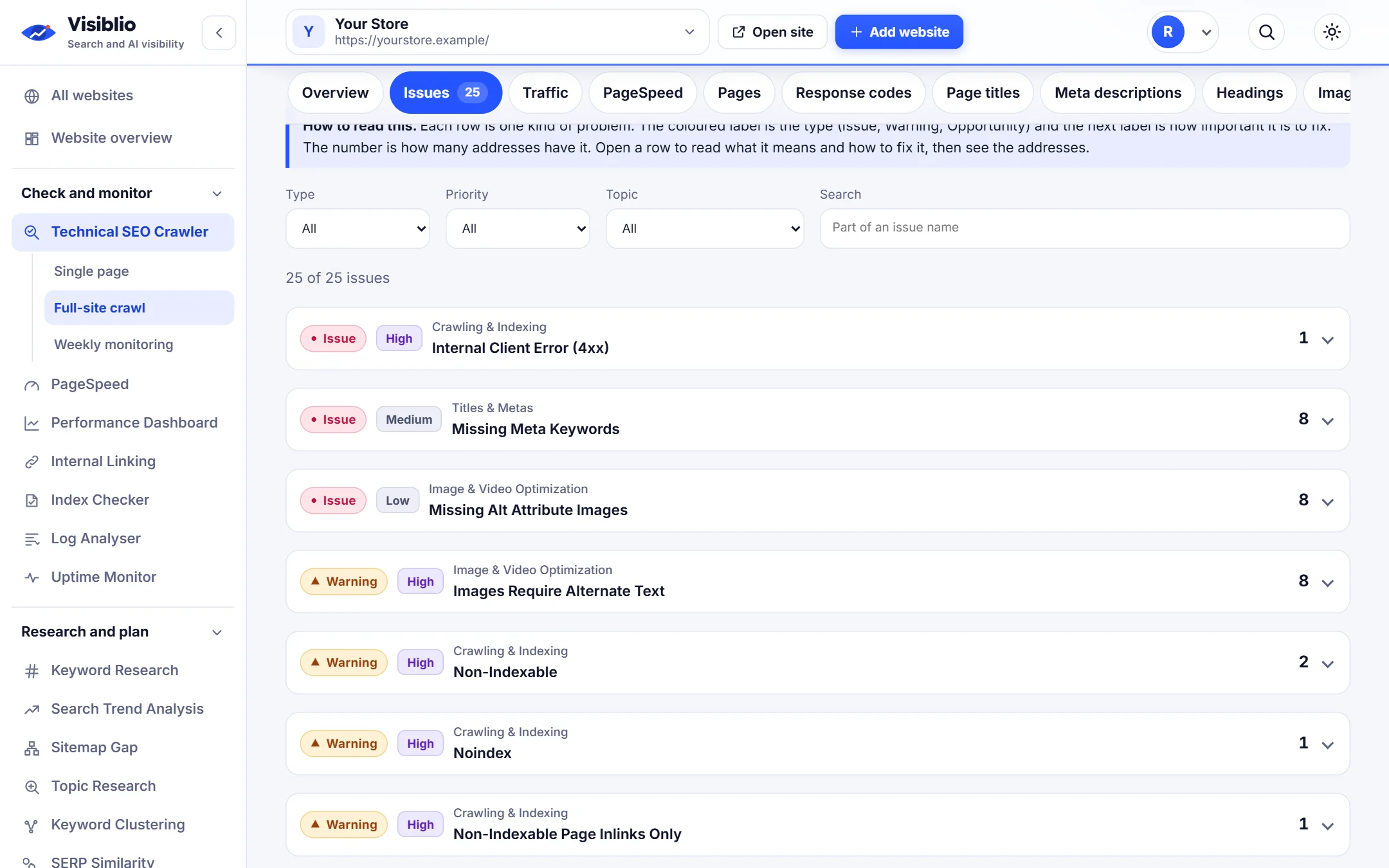
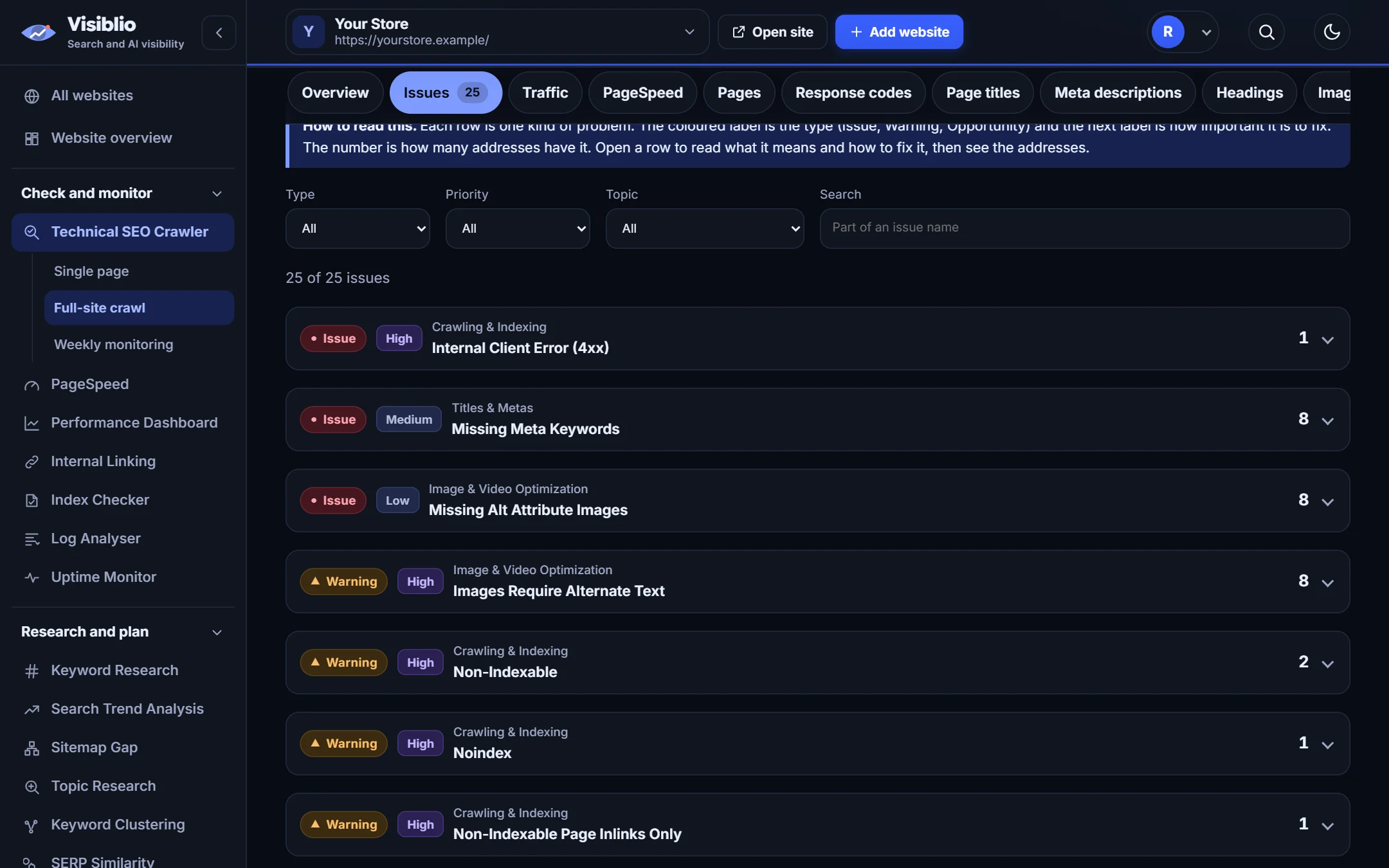
Crawl up to 25,000 pages and see issues grouped by importance

Start from your home page or a folder and let Visiblio follow your links and sitemap. Results are grouped so the biggest problems come first, with the affected pages listed under each.

  • Filter by issue, page type or status code
  • Redirects judged on the redirect, not on the page they lead to
  • Export the list to a spreadsheet
Crawl your website
visiblio · technical seo crawler
Technical SEO Crawler: Crawl up to 25,000 pages and see issues grouped by importance
Sample data
Page profile

Open any page and see everything about it in one place

Headings, images, links, structured data, social tags, hreflang, keyword density and a Google-style preview of the title and description, so one page can be reviewed without opening five tools.

  • Edit the title and description and watch the preview
  • Check image sizes and missing alt text
  • See whether the page is ready for AI search
visiblio · technical seo crawler
Technical SEO Crawler: Open any page and see everything about it in one place
Sample data
Monitoring

Know when a fix breaks or a new problem appears

Weekly checks compare each run with the last one and show what is new, what was fixed and what got worse, so a bad release does not sit unnoticed for months.

  • Automatic weekly run for the websites you save
  • Alerts for new and worsening problems
  • A history you can compare over time
visiblio · technical seo crawler
Technical SEO Crawler: Know when a fix breaks or a new problem appears
Sample data

How Technical SEO Crawler works

  1. 1

    Enter an address

    Paste a page address for a single-page audit, or a website address for a full crawl. Choose the options you need.

  2. 2

    Let it crawl

    Visiblio reads robots.txt and the sitemap, follows your links and checks every page it finds.

  3. 3

    Work through the list

    Start at the top, open the affected pages, fix them and run the check again to confirm.

Who Technical SEO Crawler is for

SEO specialists and agencies

Audit client websites quickly and hand over a list that developers can act on.

In-house marketing teams

Catch problems after every release without waiting for an outside audit.

Developers and site owners

Find broken links, redirect chains and slow pages before they cost traffic.

Technical SEO Crawler compared with doing it by hand

What you needBy handWith Visiblio
Time to a full listHours of crawling, filtering and writing notesOne run and one prioritised list
ExplanationsYou research what each error meansEach issue says why it matters and how to fix it
Follow-upRe-crawl by hand and compare spreadsheetsWeekly checks that show what changed
Traffic contextJoin crawl data to analytics yourselfSearch Console and Analytics numbers next to each page

Frequently asked questions about Technical SEO Crawler

What is a technical SEO audit?

A technical SEO audit checks the parts of a website that affect how search engines crawl, understand and index it: status codes, redirects, canonicals, robots rules, page speed, headings, structured data and links. The goal is a list of fixes that remove obstacles to ranking.

How many pages can the crawler check?

You can audit a single page, or crawl a whole website up to the limit of your plan. The crawler follows your internal links and sitemap and respects the robots rules you choose.

Does it work on websites that need JavaScript to show content?

The crawler reads the HTML your server sends. For pages that build their content in the browser, Visiblio can also check a sample of pages in a real browser and flag differences, so you know when important content depends on JavaScript.

Can I check my site every week automatically?

Yes. Save a website in weekly monitoring and Visiblio runs the check for you each week and shows what is new, fixed or worse compared with the last run.

Is the Technical SEO Crawler free?

You can start for free. Plans set how many pages and runs you get each month, and you can see them on the plans page.
Ready to try Technical SEO Crawler?

Open the tool, add your website or a page address and see the result in minutes. It is free to start.