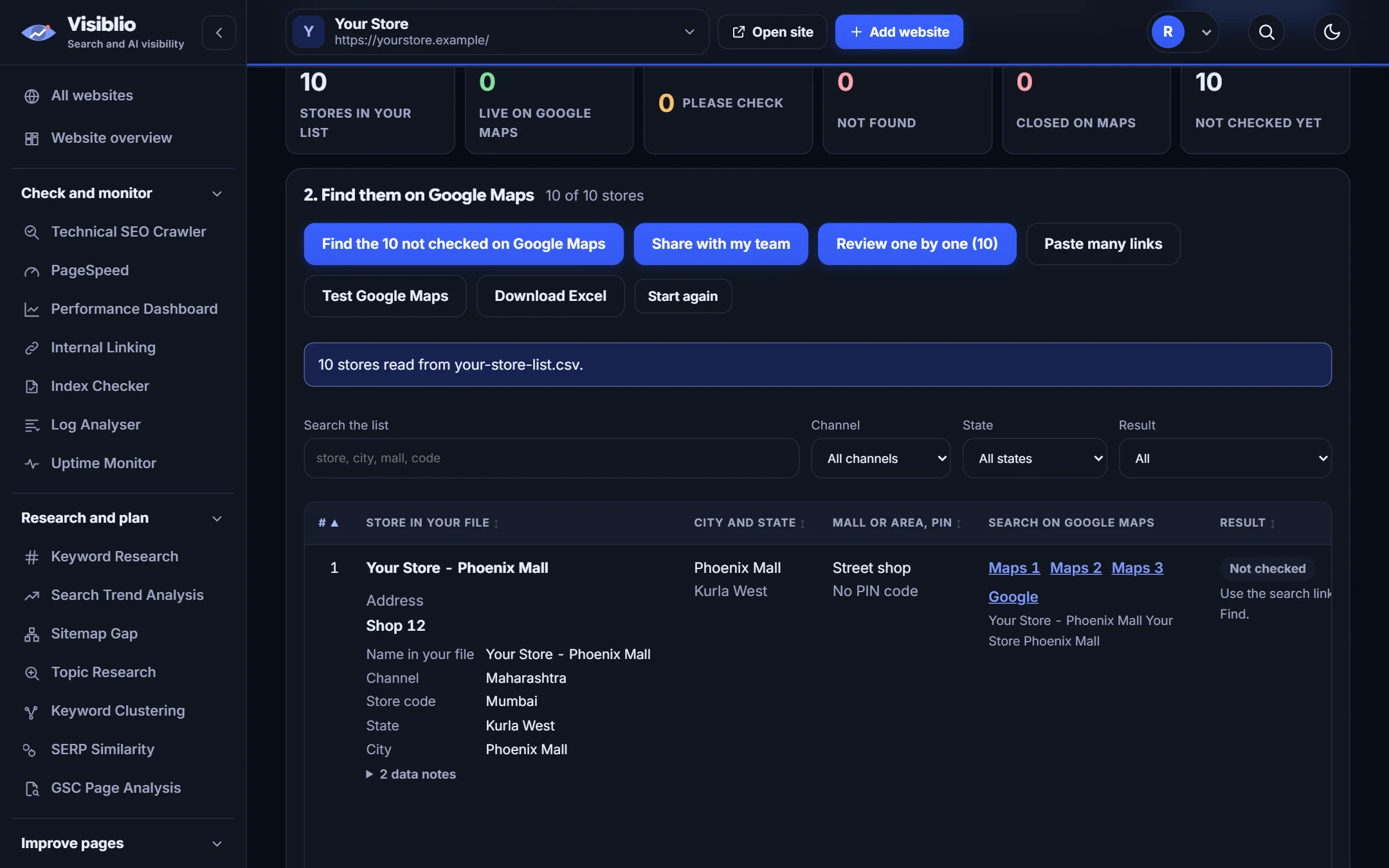
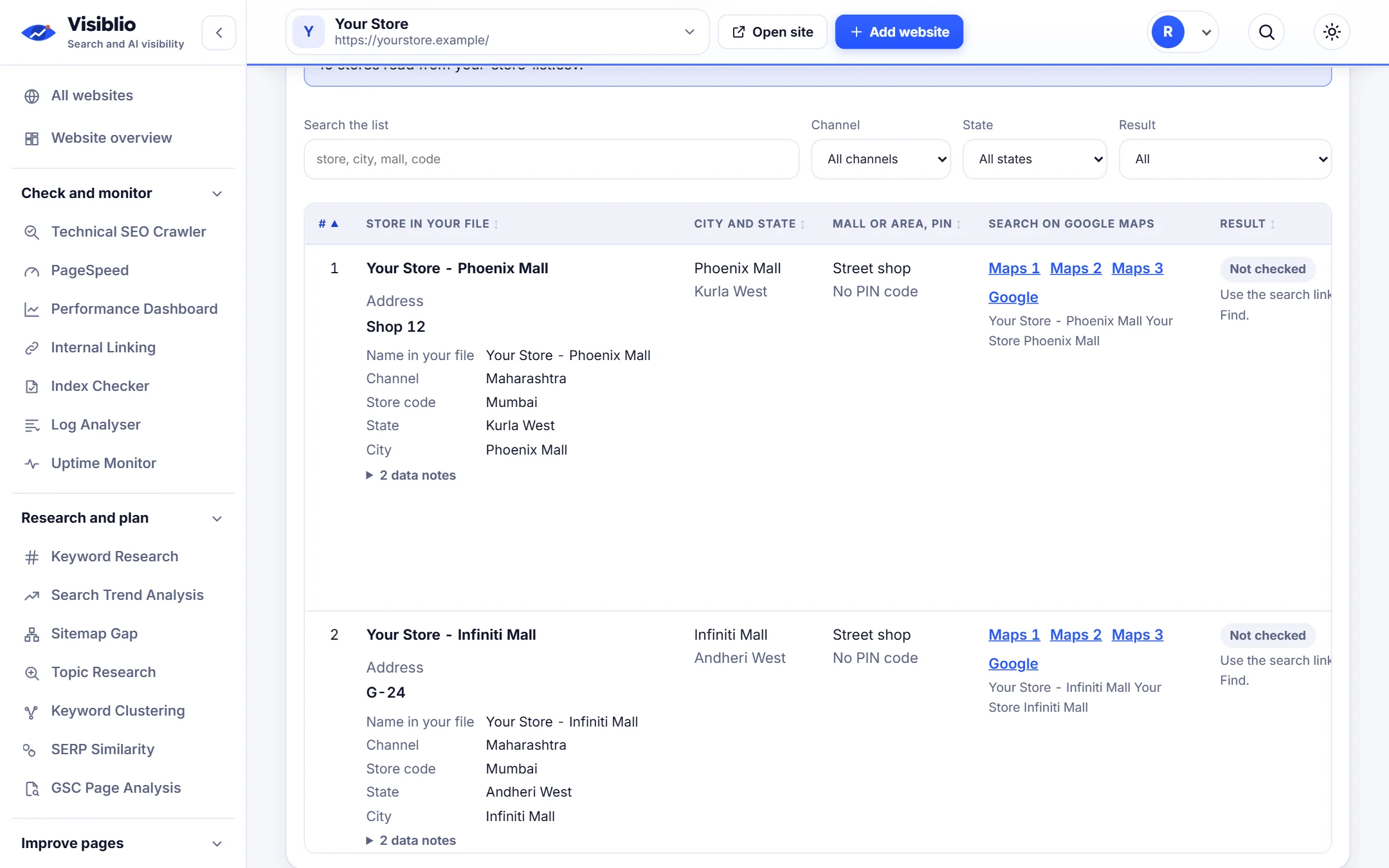
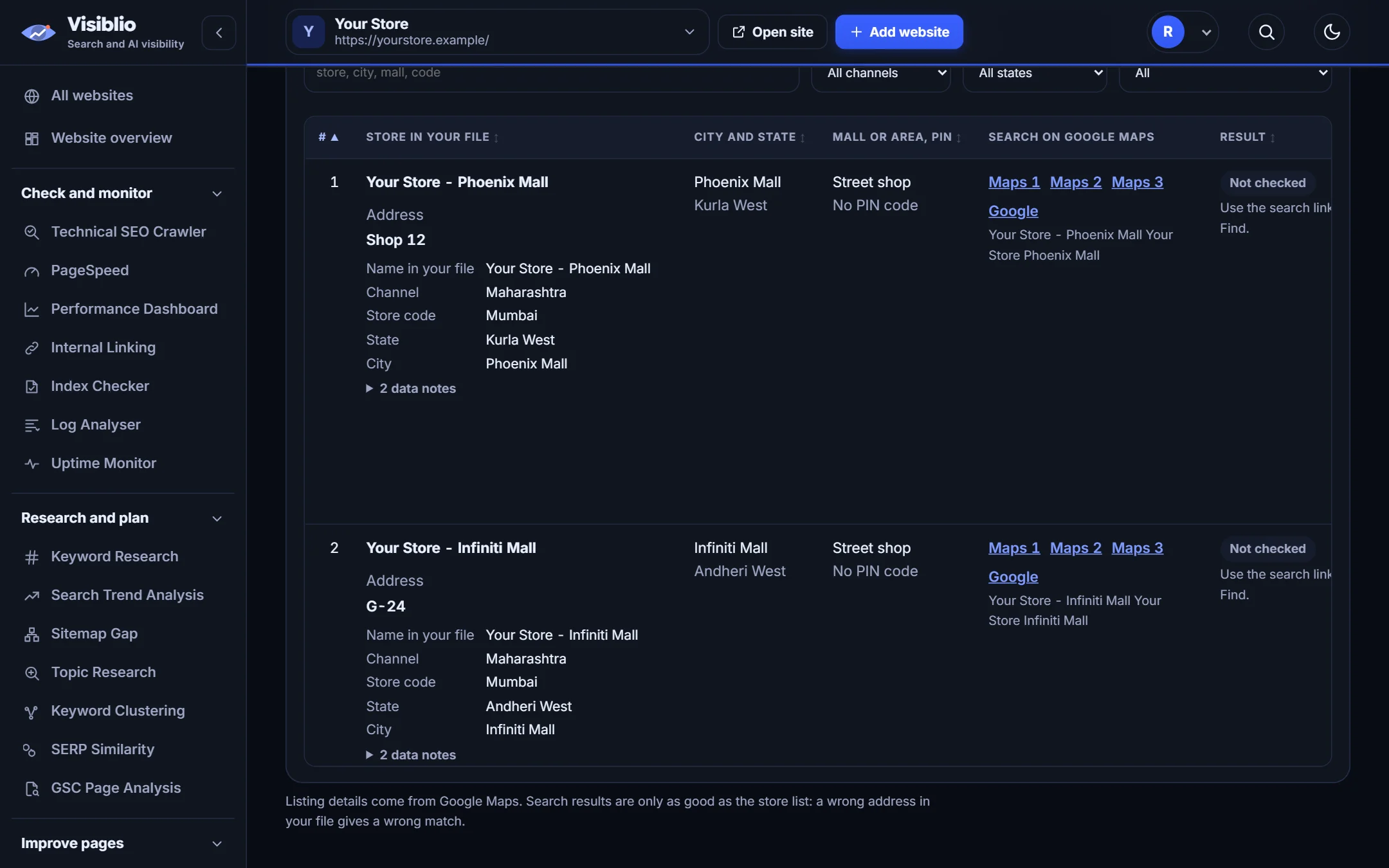
A Maps search ready for every store
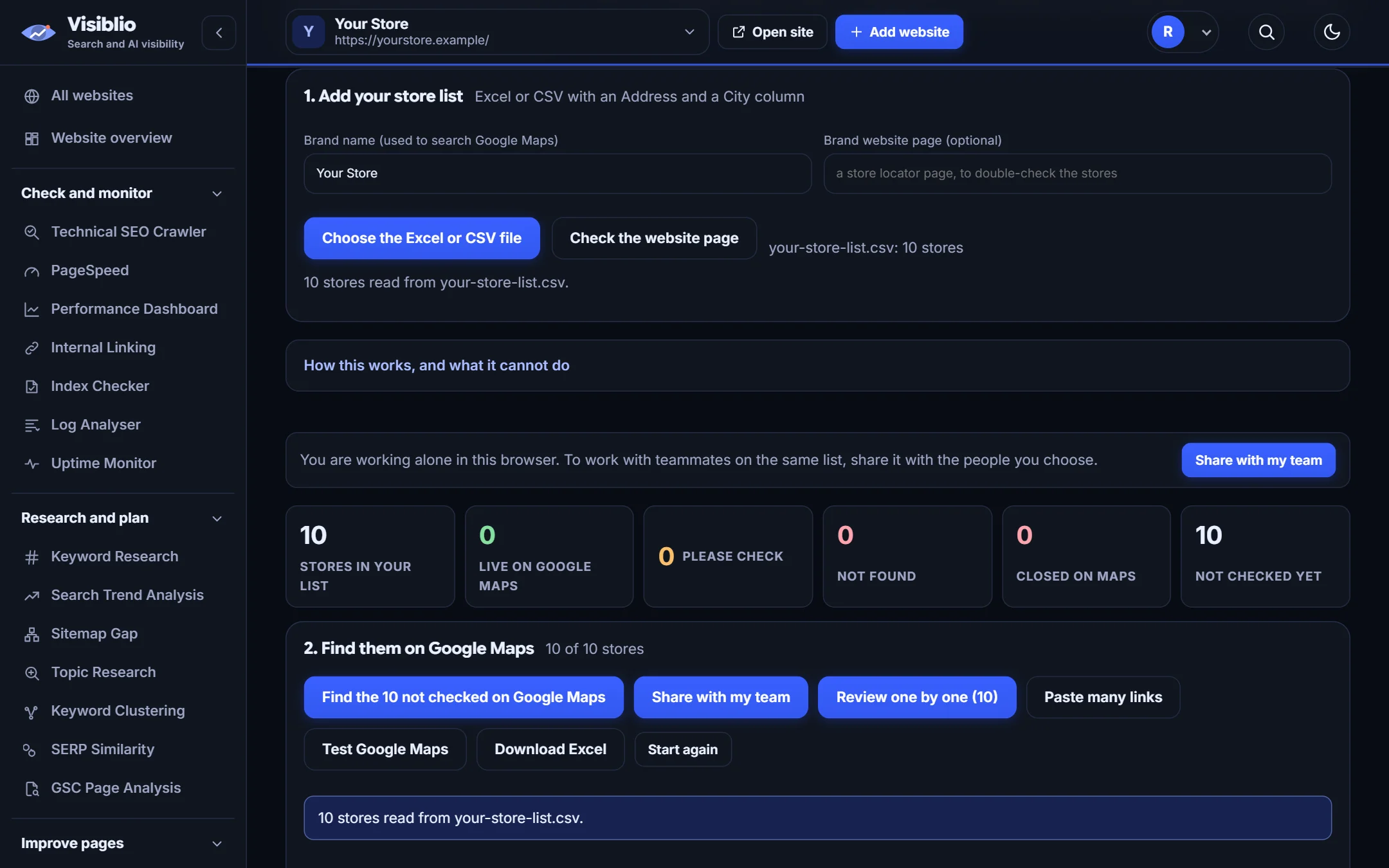
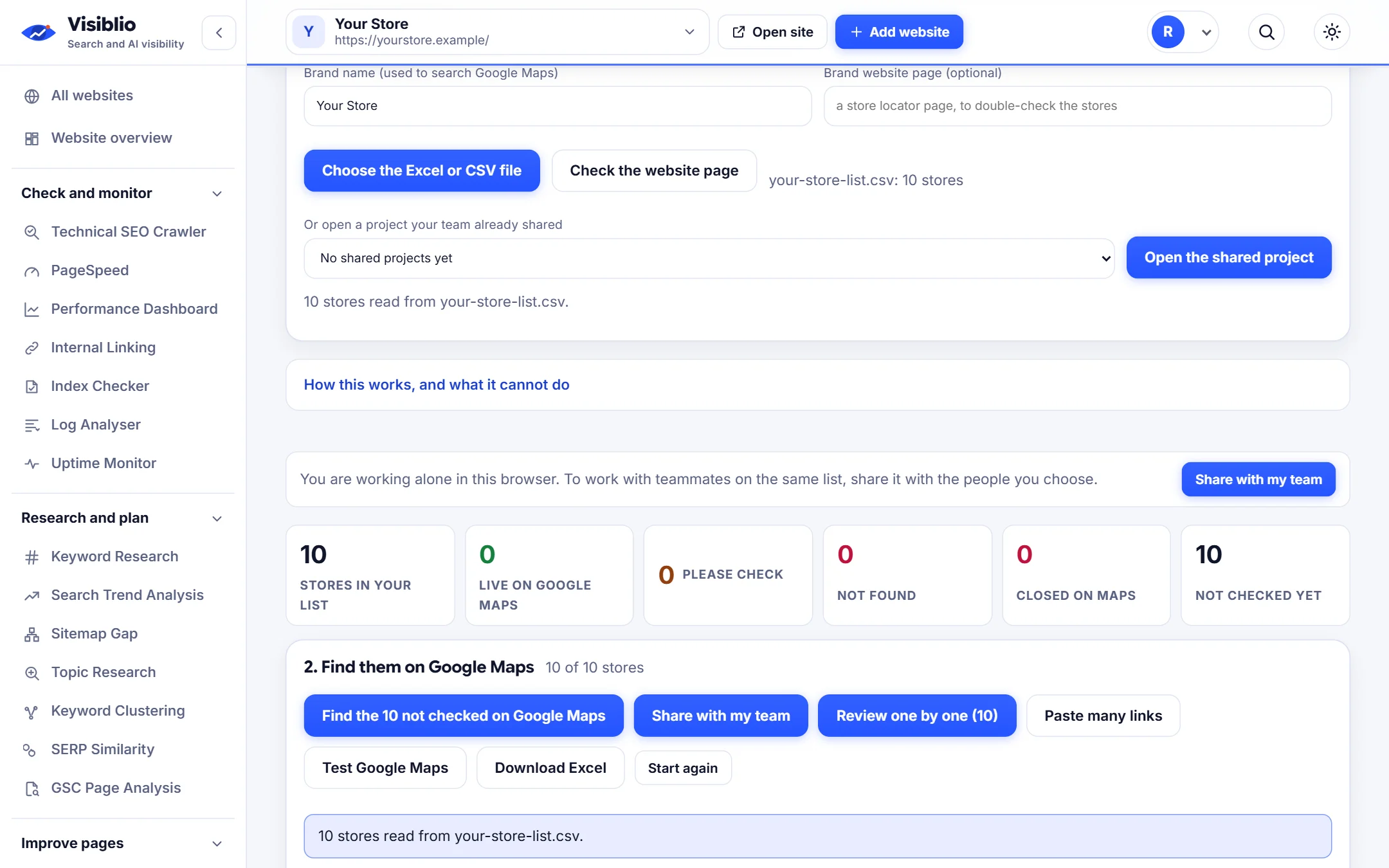
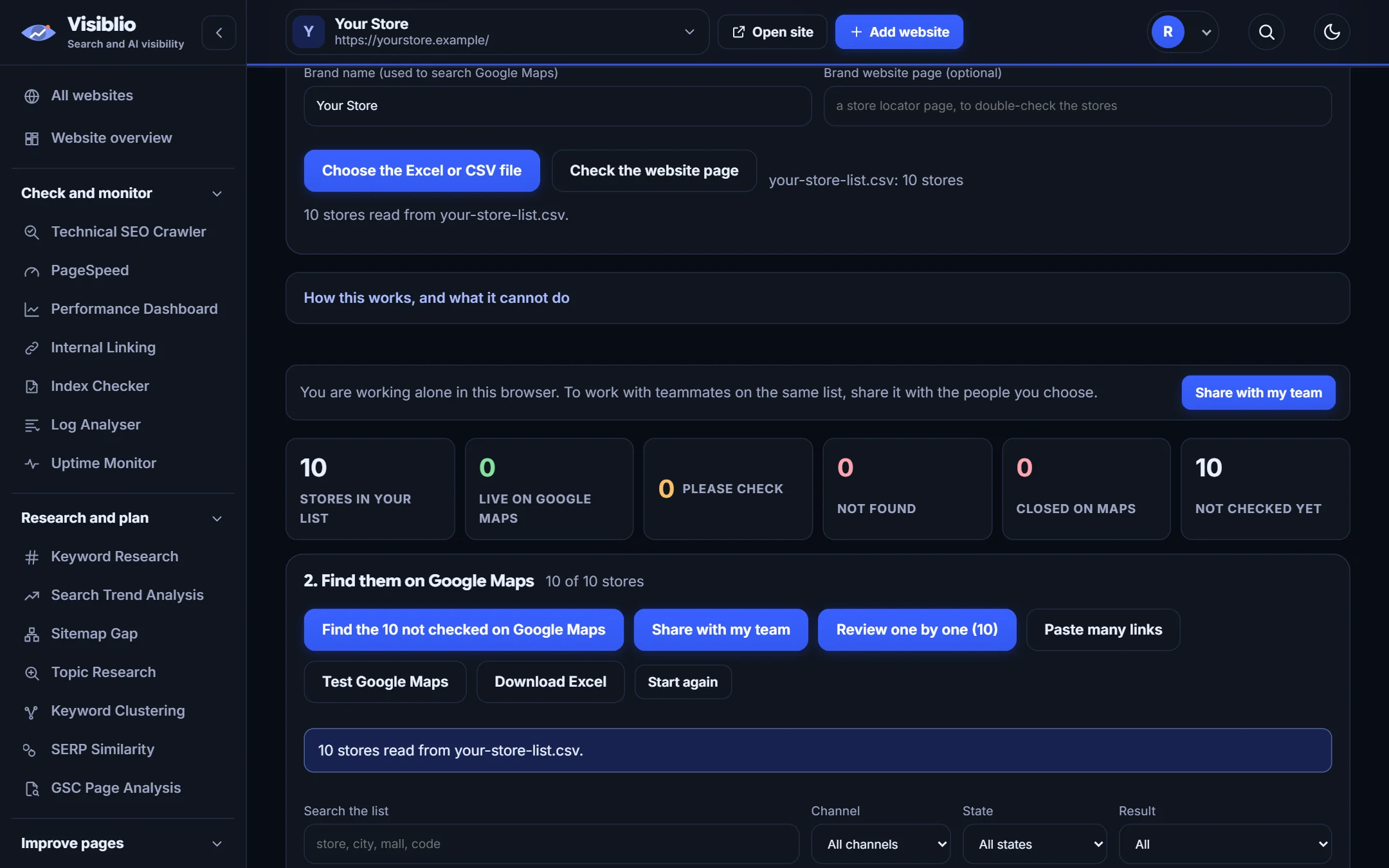
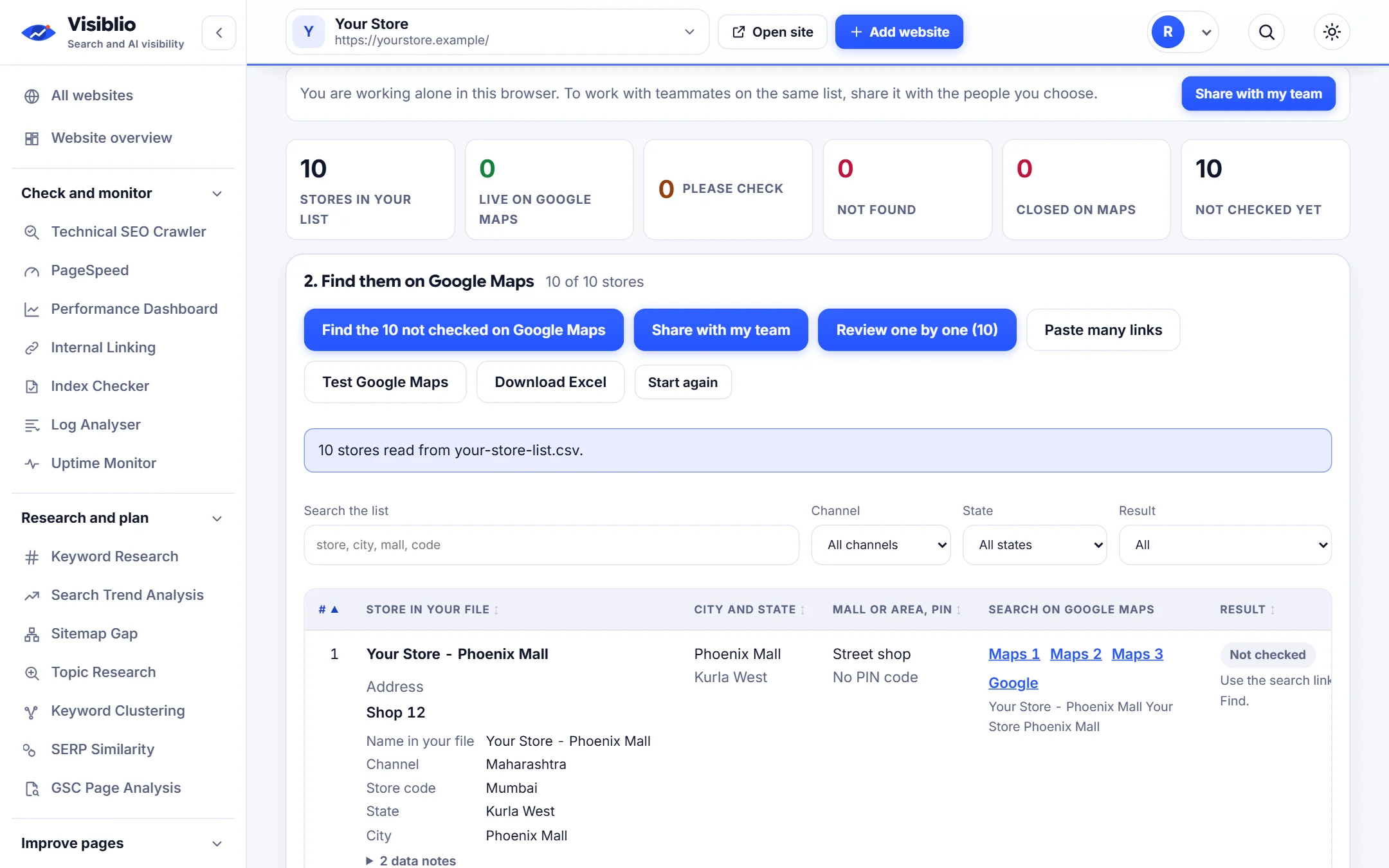
Each store opens its own Google Maps search so you can confirm the listing in a click.
- Name, address and PIN used in the search
- Status saved per store
- Notes on odd cases

Upload your store list and find out which stores have a Google Maps listing, which need checking and which are missing, with your team working on the same project.

Multi-location brands often do not know which of their stores are live on Google Maps. Visiblio GBP Store Finder takes your store list, opens a Maps search for each store, and helps you record the result, with matching rules that score the brand, PIN code, city and area.
Projects are shared, so a whole team can work on the same list and see each other's progress live.
Excel or CSV with names, addresses, cities and PIN codes.
Matches are scored on brand, PIN code, city and area and marked match, check or none.
Review a store at a time or paste many Maps links.
Teammates work on the same list live.
Download the list with the status of every store.
Each store opens its own Google Maps search so you can confirm the listing in a click.

Brand, PIN code, city and area are scored so a close match is separated from the wrong shop.

Share a project with colleagues and see changes as they happen.

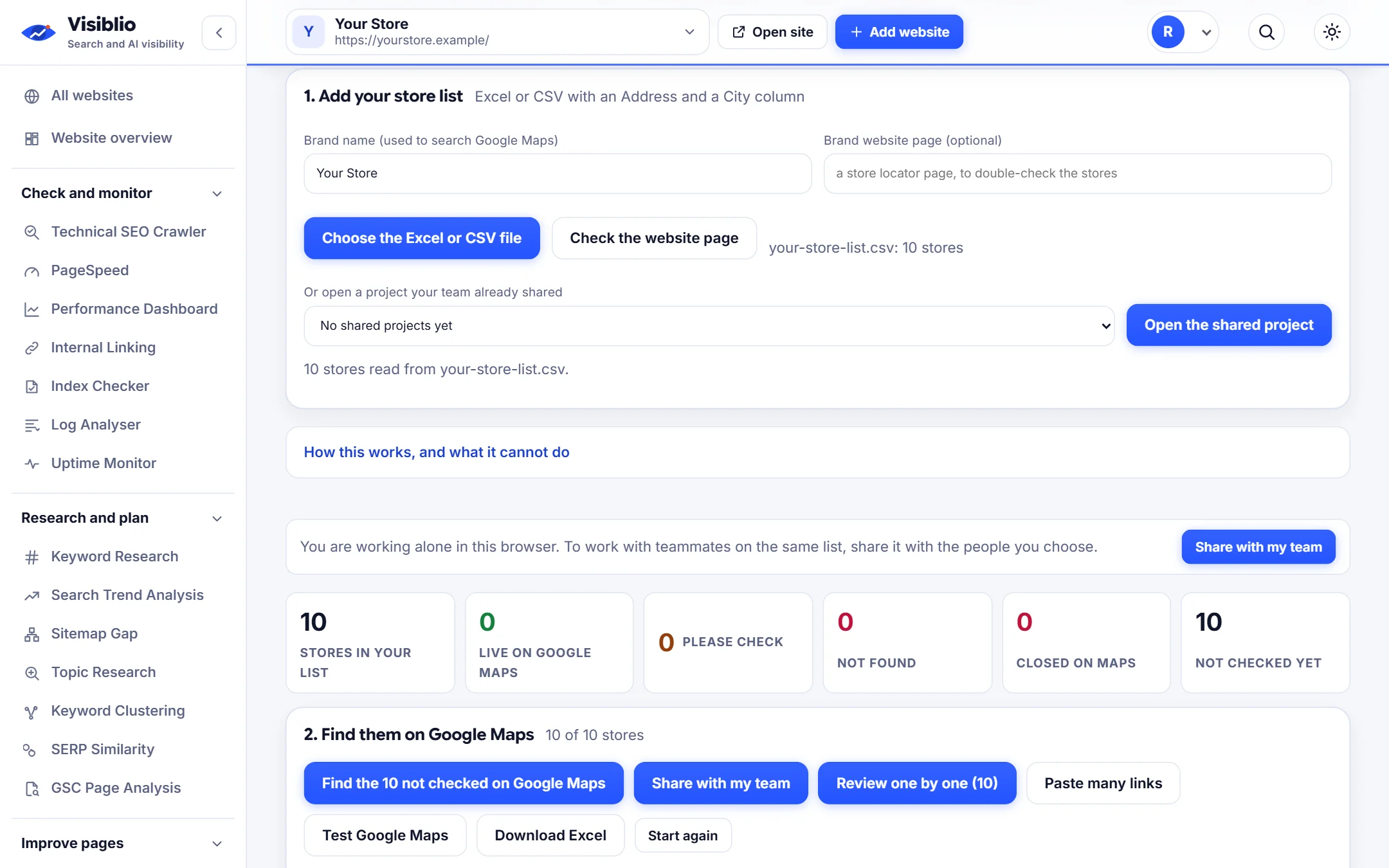
Add your Excel or CSV of stores.
Check each store against Google Maps or paste many links.
Download which stores are live, to check or missing.
Audit hundreds of locations quickly.
Find stores missing from Google Maps.
Report listing status to clients.
| What you need | By hand | With Visiblio |
|---|---|---|
| Checking stores | Search each store by hand | A search opened for every store |
| Matching | Eyeball names | Scored on brand, PIN, city and area |
| Teamwork | Shared spreadsheets | Live shared project |
| Reporting | Copy results | Export the list |
A Google Business Profile is the free listing that shows a business on Google Search and Maps, with its name, address, hours, photos and reviews.
Automatic lookup depends on a Google service that may not be available on every account, so the dependable route is the one-click Maps search for each store, with matching help. The page tells you when automatic lookup is not available.
It scores the brand name, PIN code, city and area of the listing against your store data. High scores are marked match and middling ones are marked check.
Yes. Projects are shared and update live for everyone working on them.
Plans decide whether Google Business Profile tools are included. See the plans page.
Open the tool, add your website or a page address and see the result in minutes. It is free to start.