VisiblioSearch and AI visibility
Improve pages

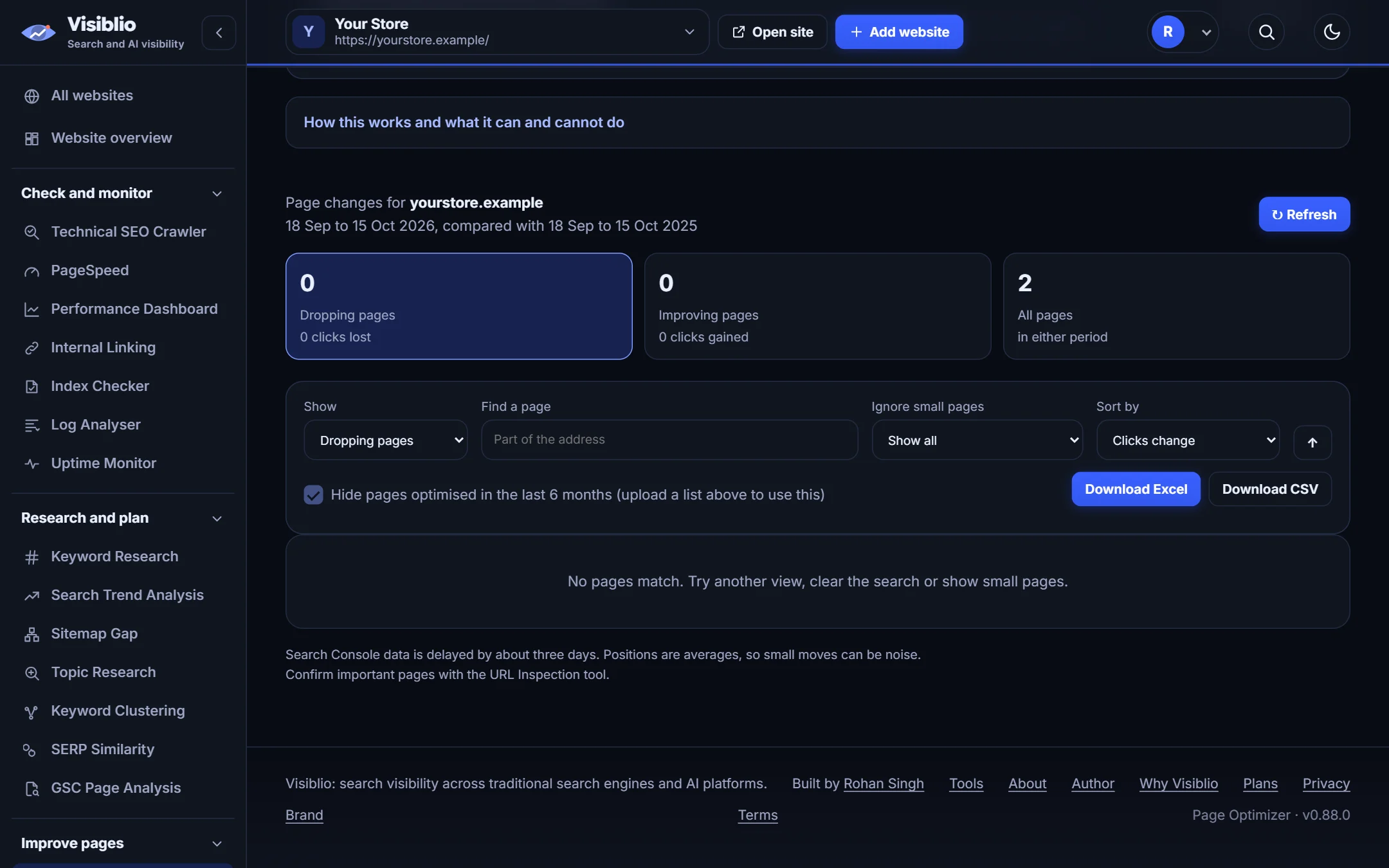
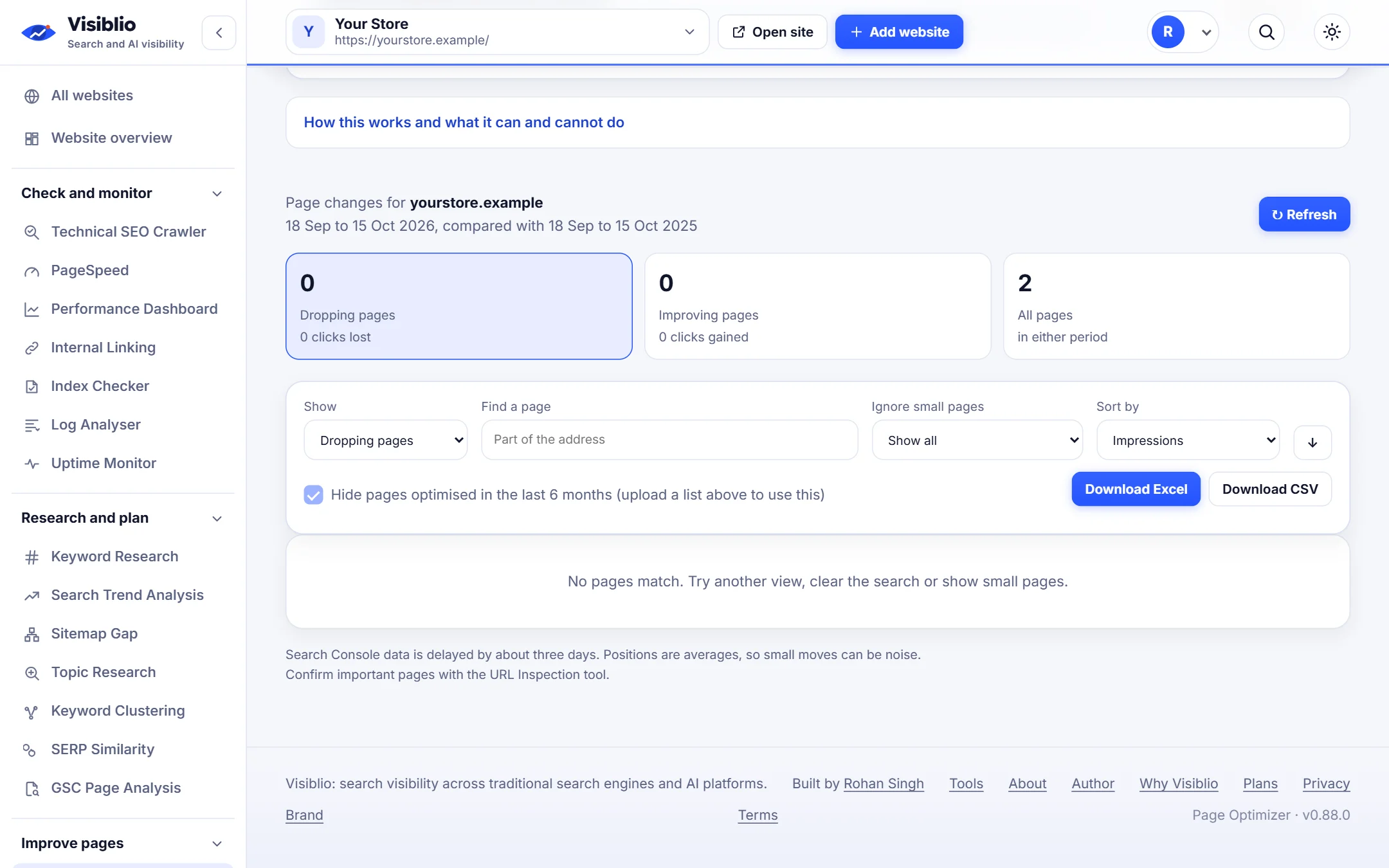
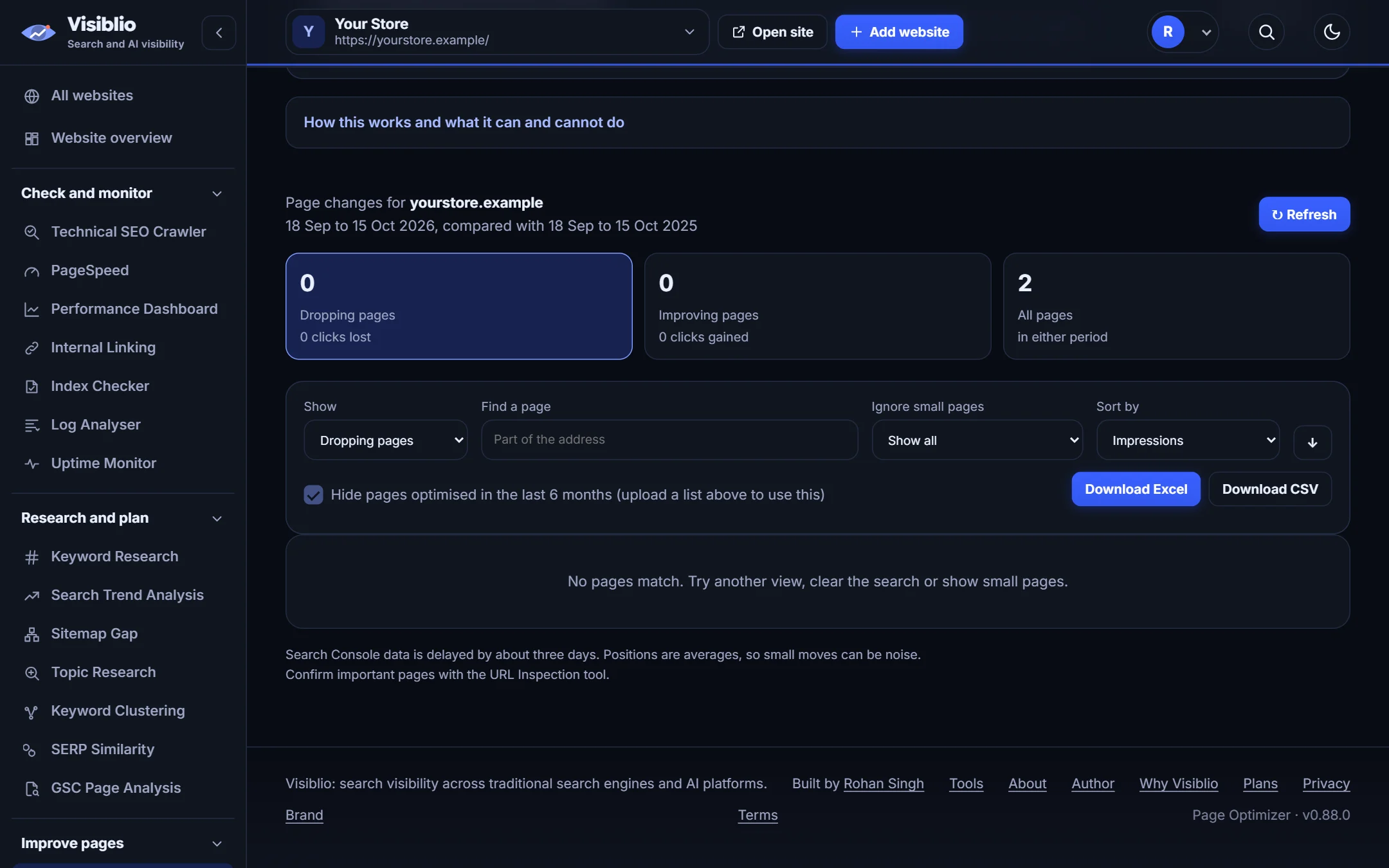
Page optimizer: find the pages to refresh and what to change

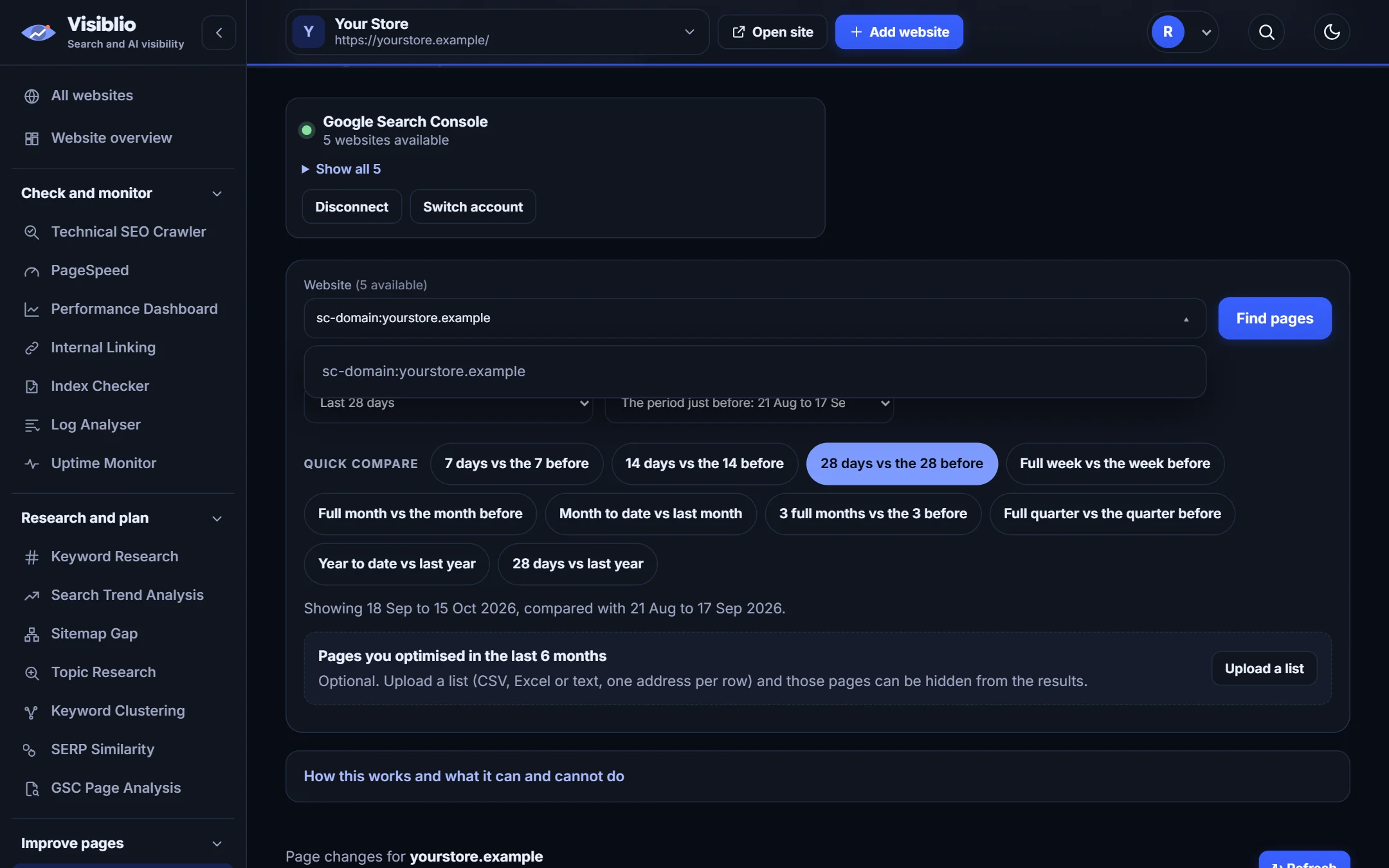
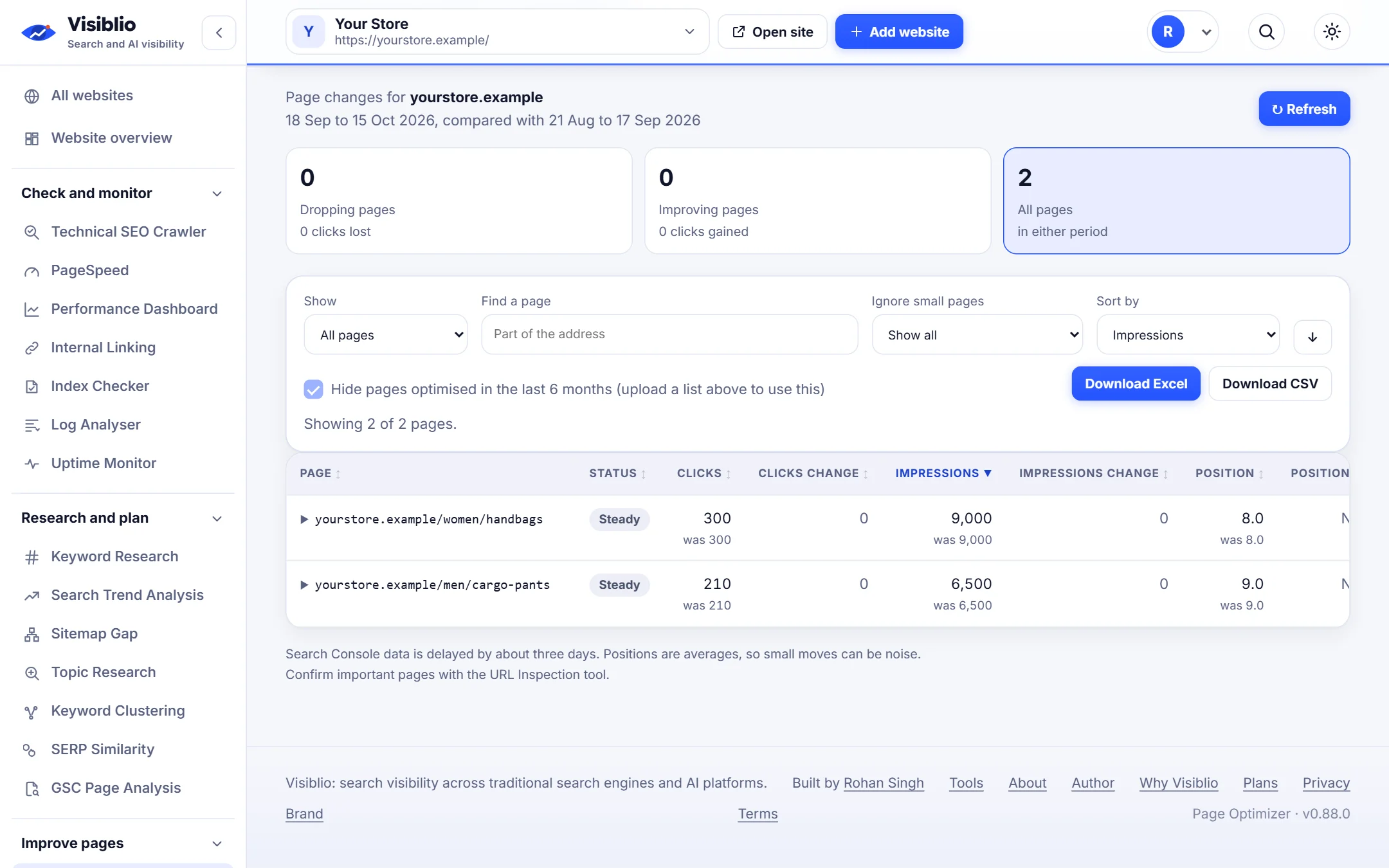
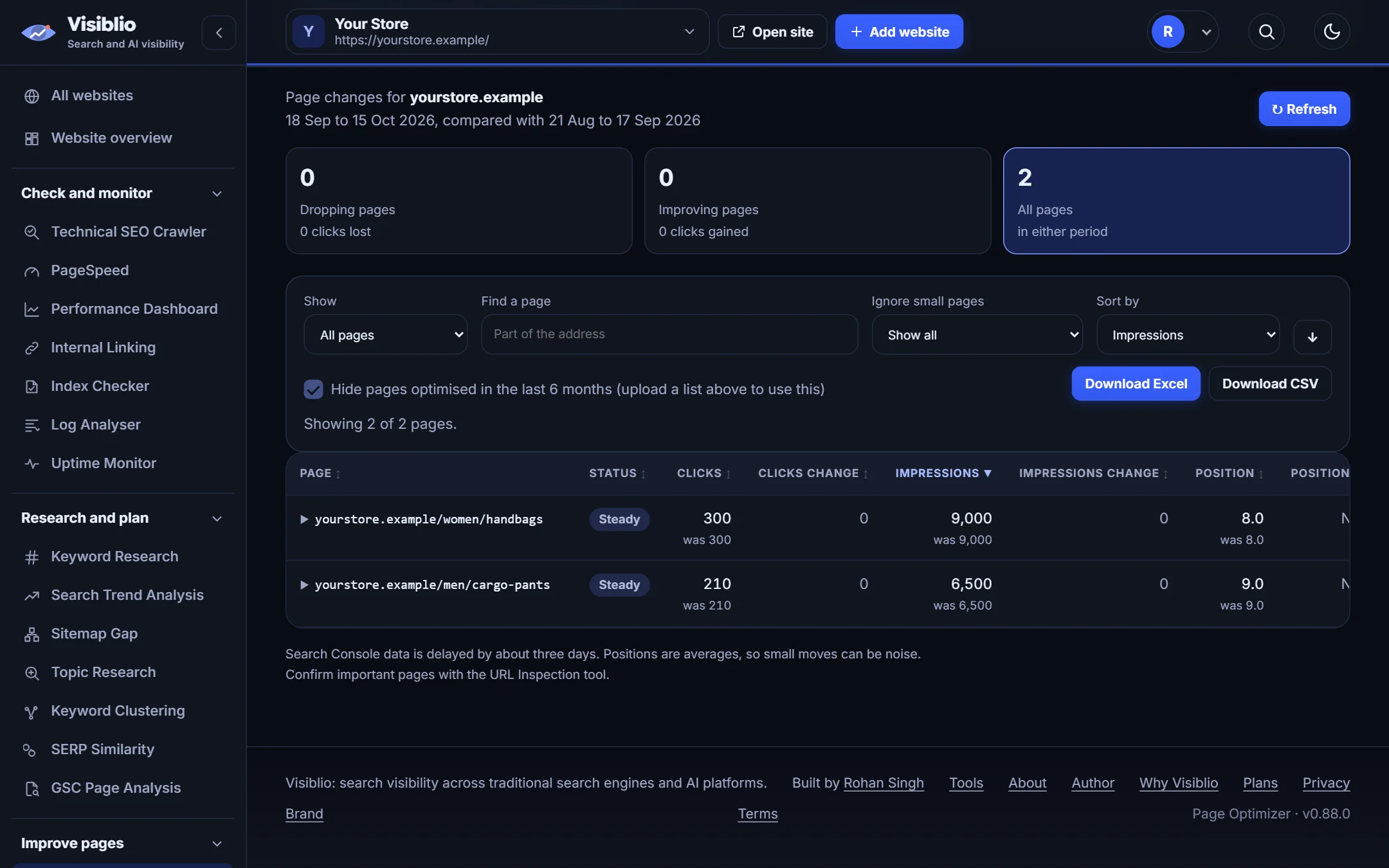
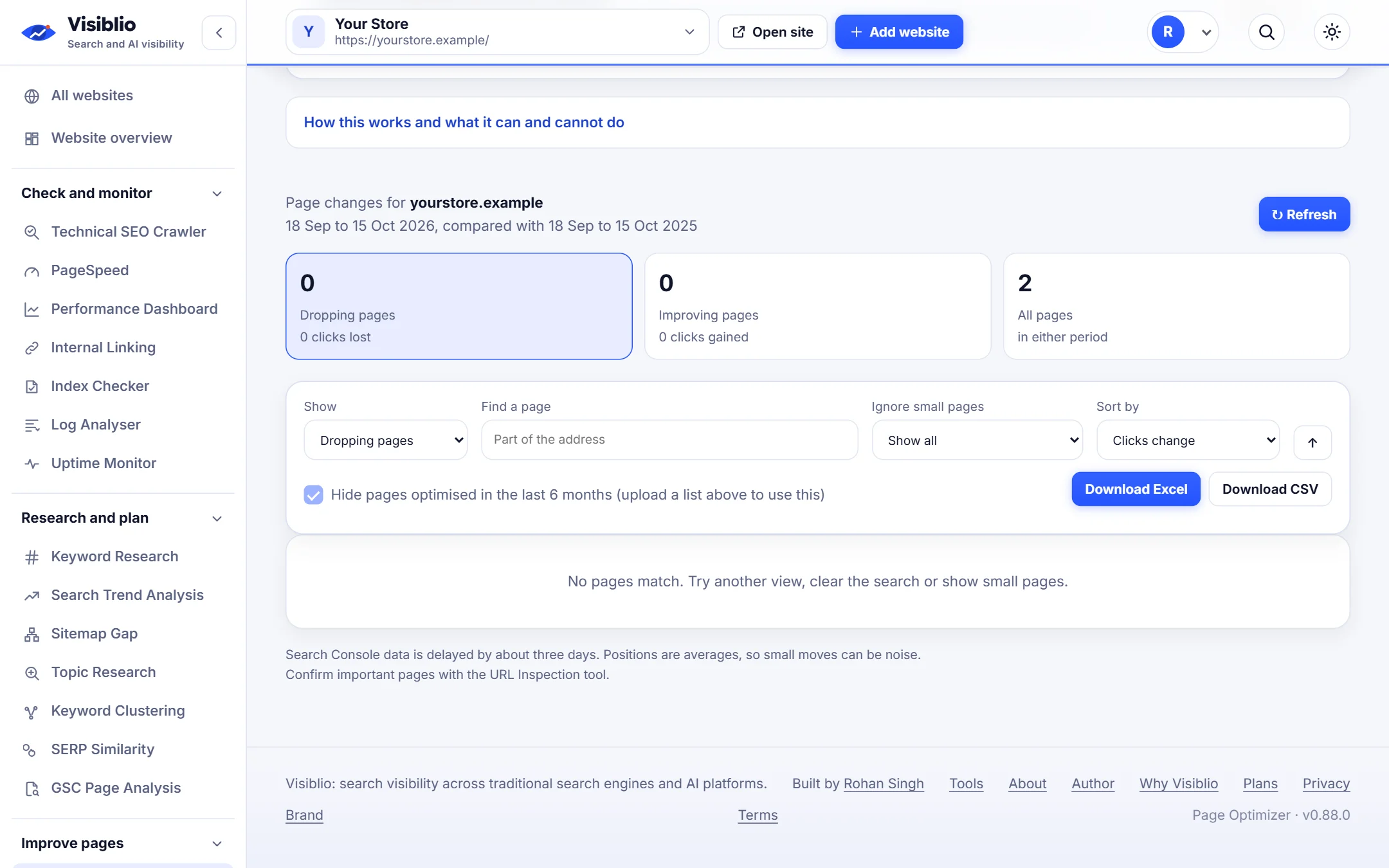
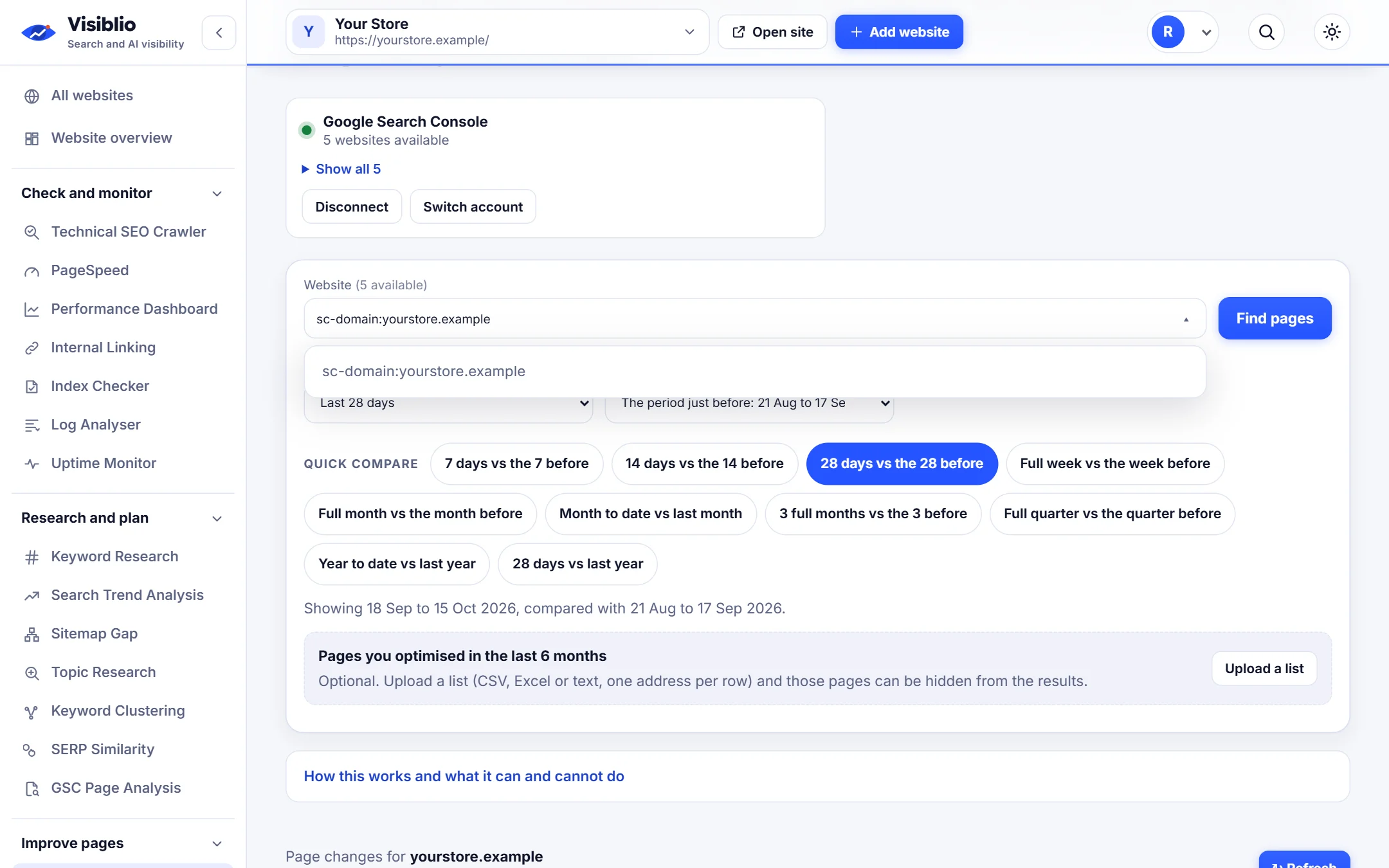
Compare two periods of Search Console data to see which pages are dropping or almost ranking, then get improved titles, descriptions, headings and link ideas for the page you pick.

Quick winslisted firstTitle, descriptionand headingsA skip listfor pages you did
visiblio · page optimizer
Page Optimizer in Visiblio: content refresh tool shown with sample data
Sample data

What is Page Optimizer?

Refreshing content pays off most when you pick the right pages. Visiblio Page Optimizer compares periods to show pages losing clicks, pages close to page one and pages with a low click-through rate, then helps you improve the one you choose.

You can skip pages you have already optimised, build a keyword set per page and, with AI, rewrite the title, meta description and headings within the length rules.

Why use Page Optimizer

Pages to work on, found for you

Dropping, improving, almost-page-one and low-CTR pages listed.

Skip what is done

Upload a list of pages optimised recently so they are left out.

Keyword groups per page

See which searches each page should target.

Title, description and heading rewrites

Optional AI suggestions that respect length limits.

Checks built in

Suggestions are tested for length, keyword use and stuffing.

What you can do with Page Optimizer

Find

The pages most worth your time

Quick wins appear first: pages with impressions but low clicks, and pages on the edge of page one.

  • Compare any two periods
  • Quick wins lists
  • Filter by folder
Compare two periods
visiblio · page optimizer
Page Optimizer: The pages most worth your time
Sample data
Improve

Better titles, descriptions and headings

For the page you open, see current elements, the searches it earns and improved wording to test.

  • Current and suggested side by side
  • Length and keyword checks
  • Copy to your CMS
visiblio · page optimizer
Page Optimizer: Better titles, descriptions and headings
Sample data
Plan

Turn a page into a brief

Send the page and its keywords to the Content Brief for a full outline when a rewrite is needed.

  • One-click brief
  • Internal link ideas
  • Track what you changed
visiblio · page optimizer
Page Optimizer: Turn a page into a brief
Sample data

How Page Optimizer works

  1. 1

    Connect Search Console

    Choose the website and two periods to compare.

  2. 2

    Pick a page

    Open the pages that dropped or sit just off page one.

  3. 3

    Apply the changes

    Use the suggestions or build a brief, then check results next month.

Who Page Optimizer is for

SEO specialists

Run a monthly refresh programme with evidence.

Content teams

Know which articles to update first.

Agencies

Show clients which pages were improved and why.

Page Optimizer compared with doing it by hand

What you needBy handWith Visiblio
Choosing pagesScroll exportsRanked by opportunity
Writing elementsCount characters by handChecked for length and keywords
Tracking done workSpreadsheet of URLsUpload a skip list
Next stepStart a new documentSend to Content Brief

Frequently asked questions about Page Optimizer

What is on-page optimization?

On-page optimization is improving the parts of a page you control, such as title, meta description, headings, content and internal links, so it matches what searchers want and can rank for it.

How does it choose pages to optimise?

It compares two periods of Search Console data and lists pages losing clicks, pages close to page one and pages with impressions but a low click-through rate.

Does it write content for me?

It suggests titles, descriptions and headings with AI when you ask, and checks them against length and keyword rules. For full articles use the Content Brief and AI Writer.

Can I exclude pages I already optimised?

Yes. Upload a list of recently optimised pages and they are skipped.

Is the Page Optimizer free?

You can start for free. Plans set the number of AI questions and keyword lookups it can use.
Ready to try Page Optimizer?

Open the tool, add your website or a page address and see the result in minutes. It is free to start.