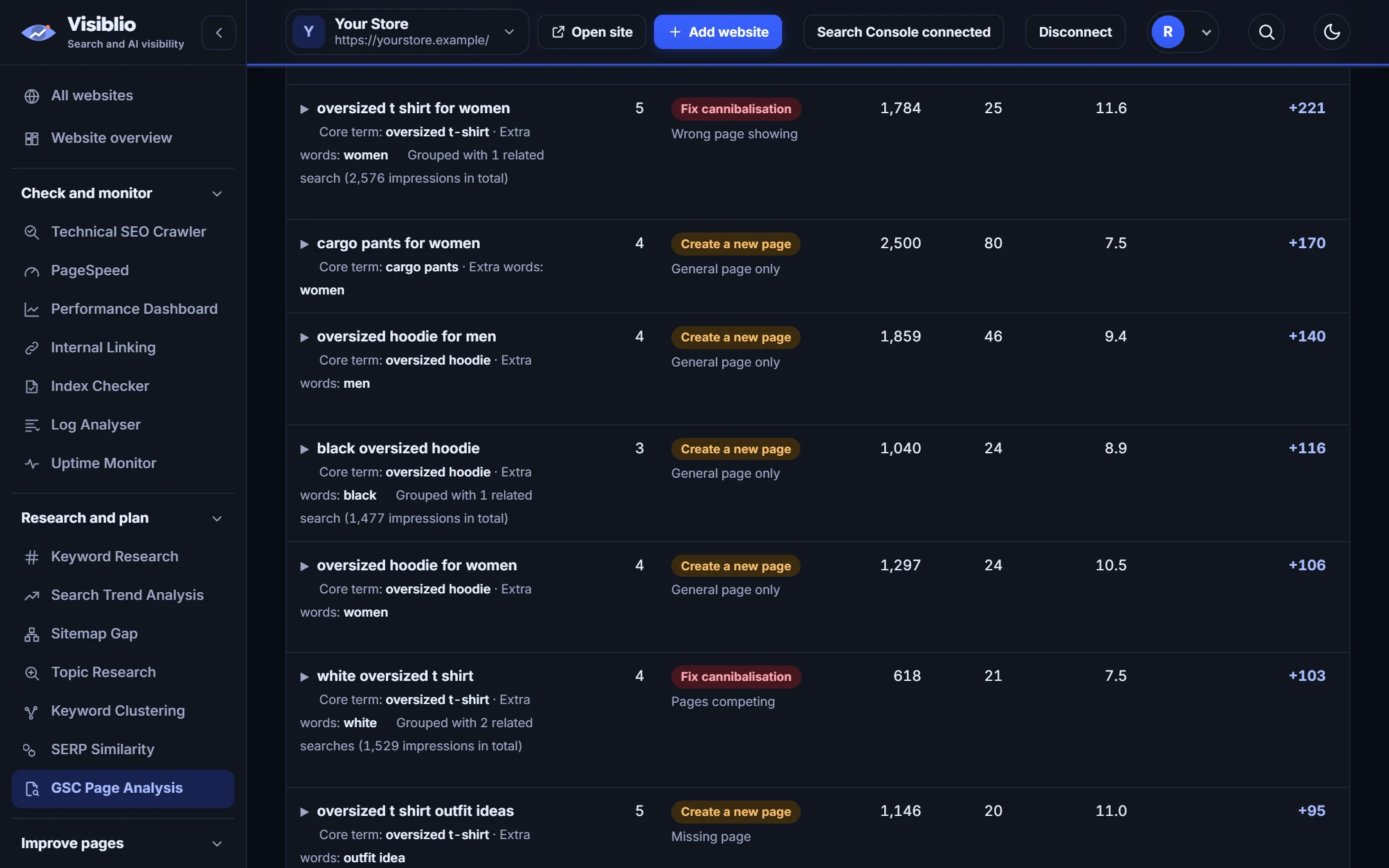
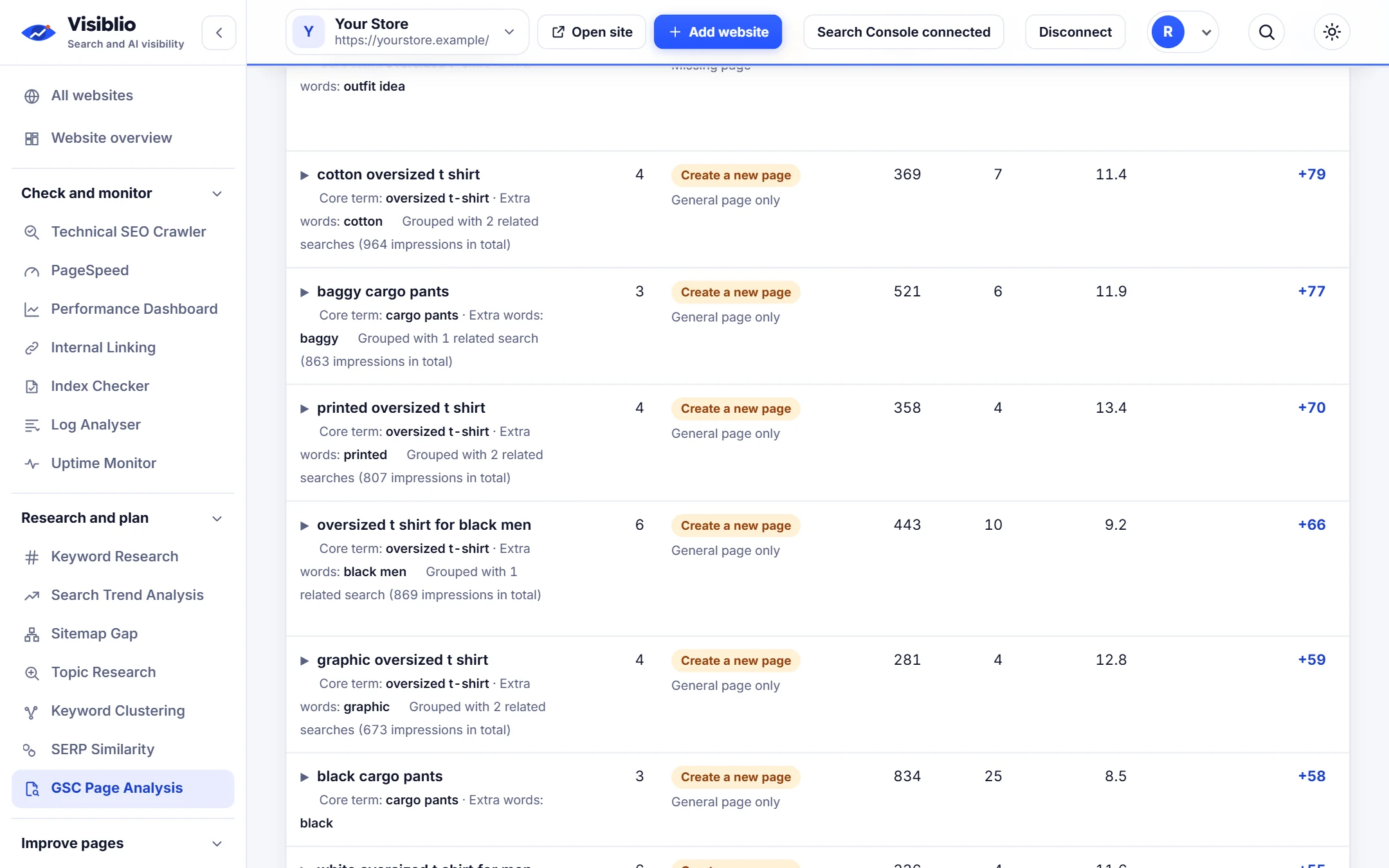
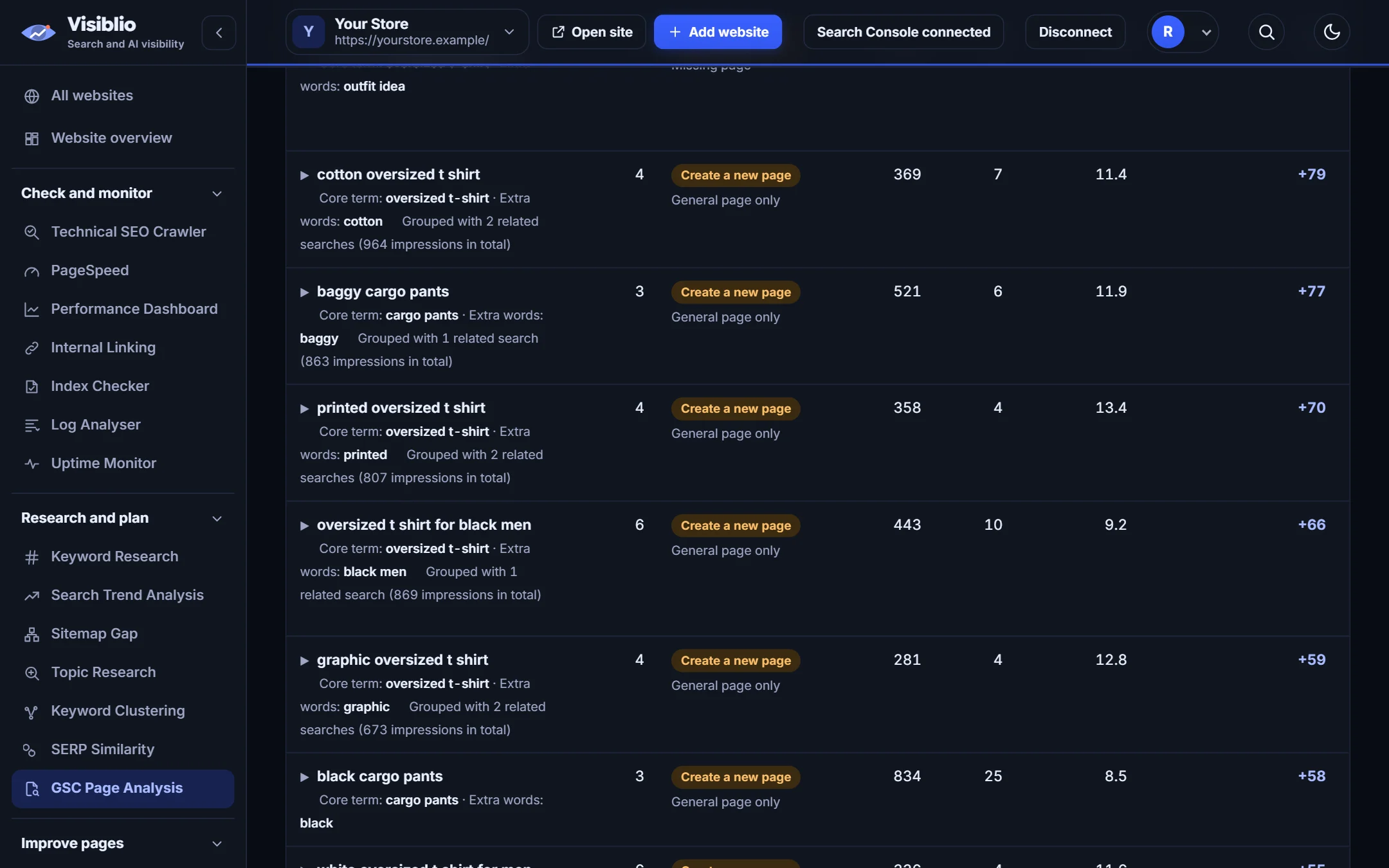
Searches with demand and no good page
Topics people search for that no page of yours answers well are listed with their impressions.
- Gap topics ranked
- Grouped related searches
- Closest existing page shown

Use your Search Console searches and pages to see which new pages to create, which pages compete for the same searches and where nothing needs doing.

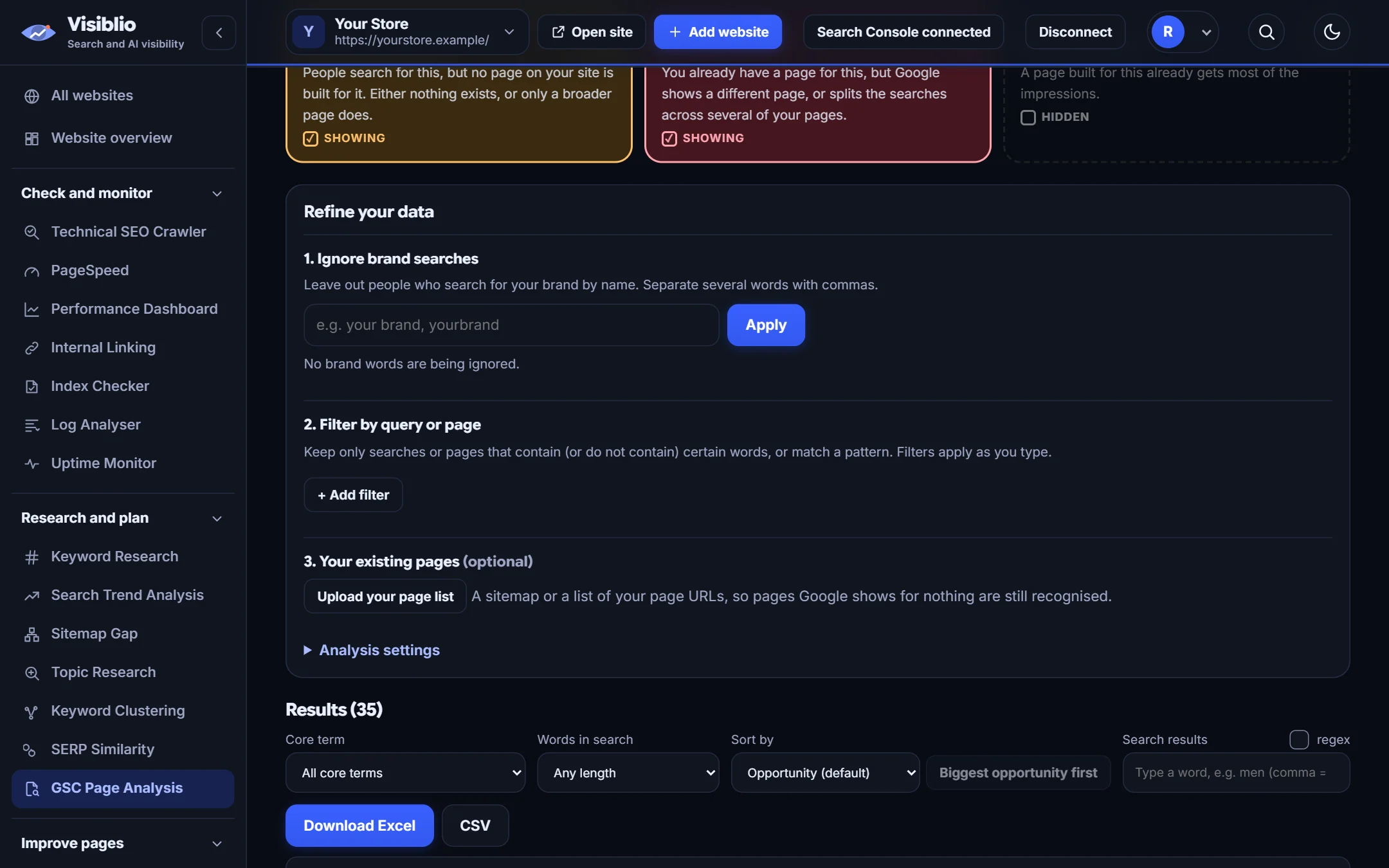
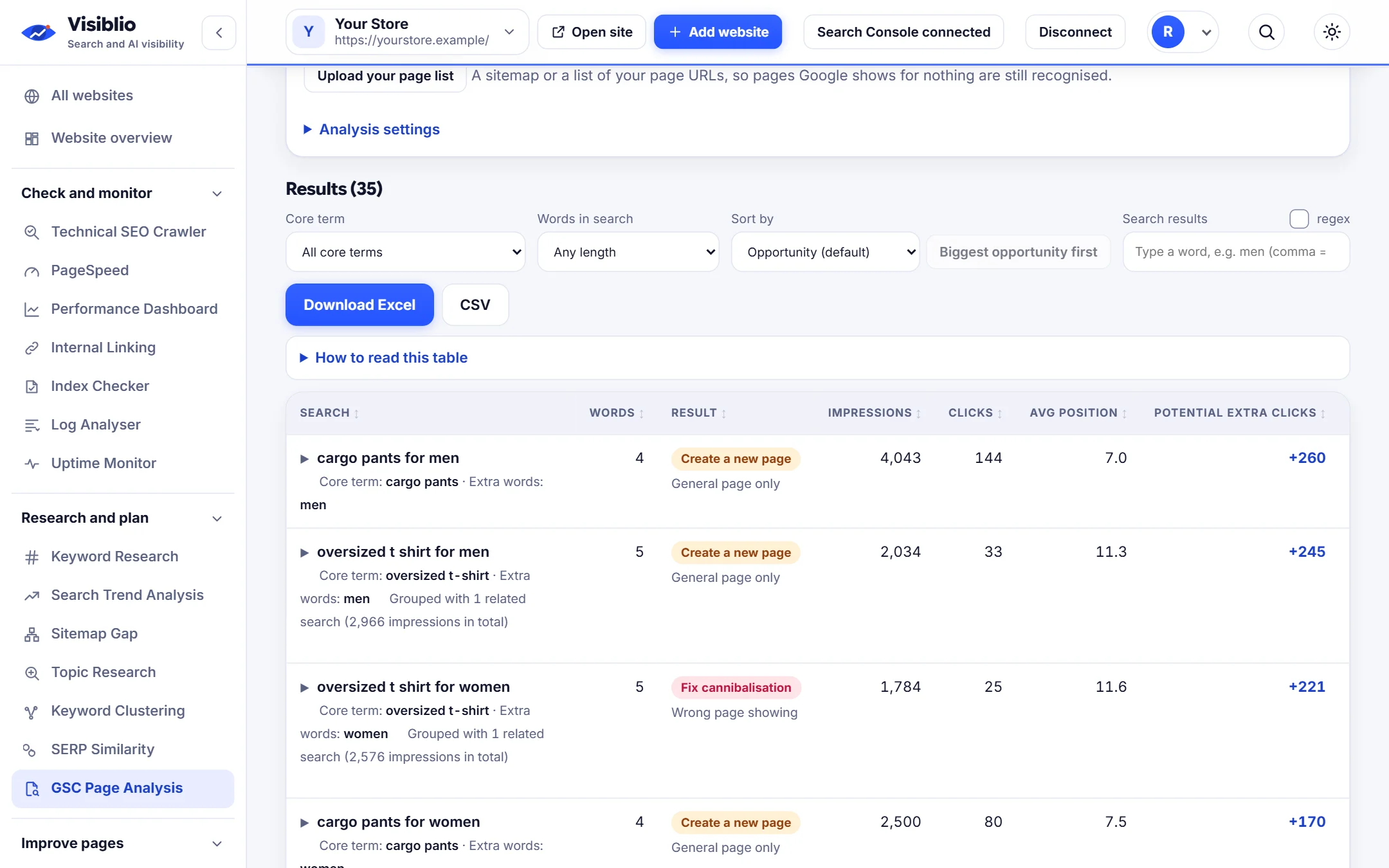
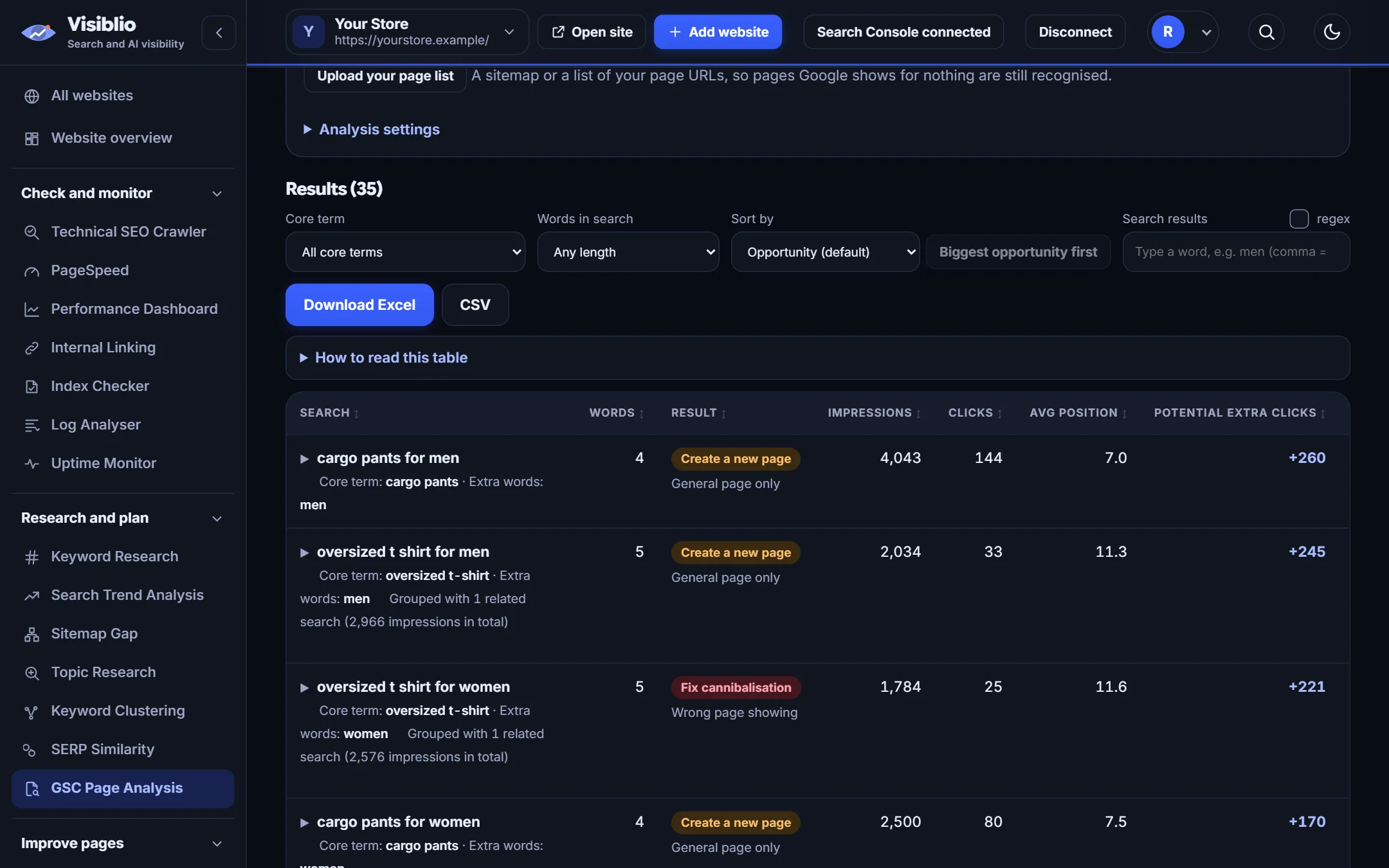
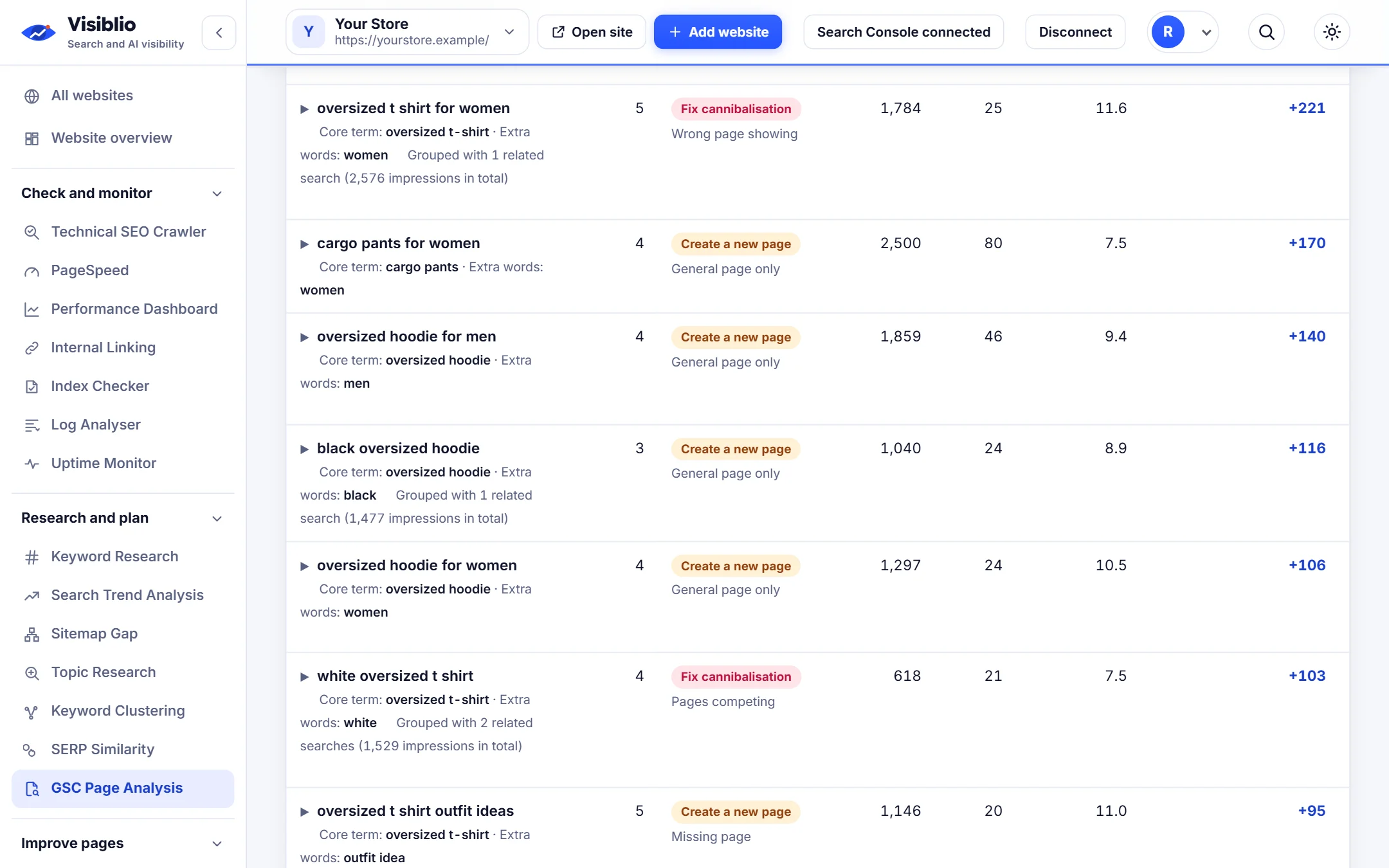
Search Console tells you which pages get impressions for which searches, but it does not tell you what to do. Visiblio GSC Page Analysis groups your searches into topics and gives each one of three outcomes: create a new page, fix cannibalisation, or no action needed.
Each result shows the searches, their impressions and clicks, the page share between competing pages and the related searches, so you can act without opening ten reports.
Create a new page, fix cannibalisation or no action needed.
Use Search Console live, or upload an Excel or CSV export.
See which page gets how much of the impressions for a search.
Spelling variants and word order do not split the same search.
Share the findings with writers and developers.
Topics people search for that no page of yours answers well are listed with their impressions.

Where two or more pages split the impressions for one search, they are listed together with each page's share.

Searches already served by the right page are marked no action needed, so effort goes where it counts.

Connect Search Console or upload an export with query, page, clicks, impressions and position.
Visiblio groups searches and judges coverage.
Create the missing pages, fix competing ones and export the list.
Find cannibalisation and new page opportunities in one pass.
Get a list of pages to write backed by real searches.
Fix category and product pages that compete.
| What you need | By hand | With Visiblio |
|---|---|---|
| Finding cannibalisation | Pivot tables on exports | Listed automatically |
| Gaps | Scan thousands of rows | Gap topics ranked |
| Output | Hundreds of rows | Three outcomes |
| Sample | None | Try it with sample data |
Keyword cannibalization happens when several pages on one website compete for the same search, splitting impressions and clicks between them and often ranking all of them lower than one strong page would.
It looks at which pages get impressions for the same search and how the impressions are shared. When two pages share a search closely, it is flagged with the pages and their shares.
You need Search Console data, either by connecting your account or by uploading an export with query, page, clicks, impressions and position.
It shows the share each page gets and the closest match to the search, which helps you choose the page to strengthen and the page to merge or differentiate.
You can start for free with the sample data. Plans set the size of your analysis.
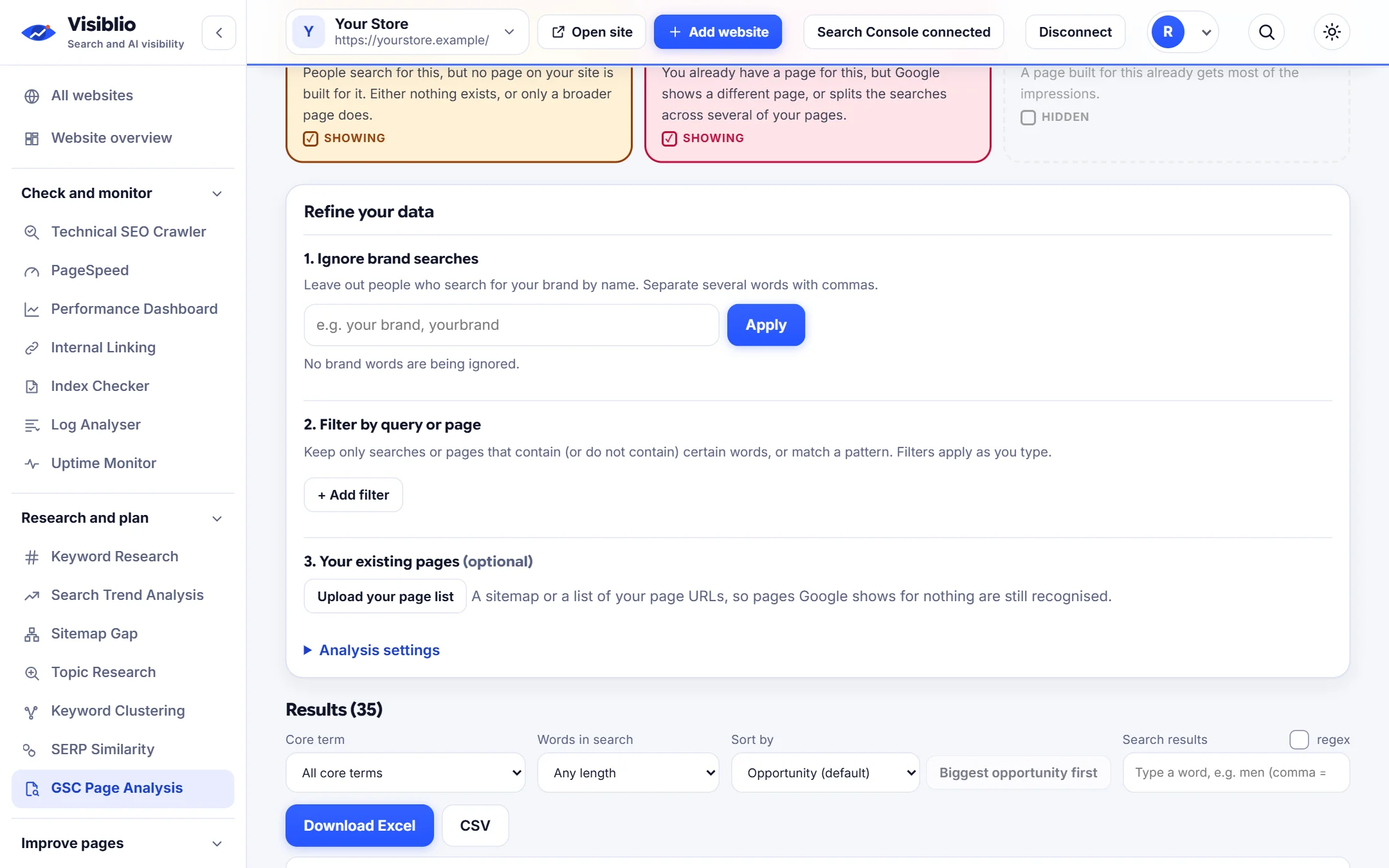
Open the tool, add your website or a page address and see the result in minutes. It is free to start.